Now you can customize your floating button image!
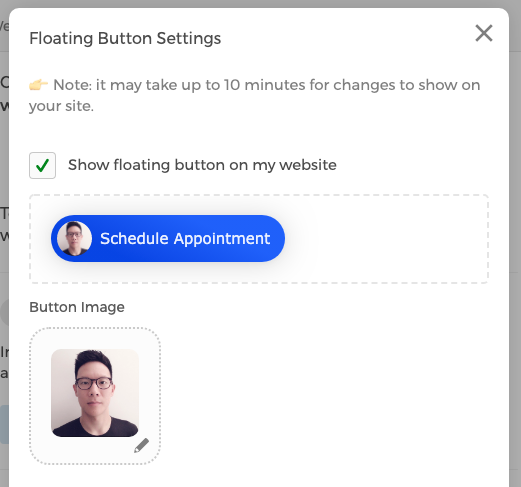
All you need to do is log into your account, go to Settings > Website Setup > 2. Edit Floating Button > click on the pencil icon below Button Image to upload your image.

Now you can customize your floating button image!
All you need to do is log into your account, go to Settings > Website Setup > 2. Edit Floating Button > click on the pencil icon below Button Image to upload your image.