Round-Robin Scheduling
Distribute bookings fairly across your team with automatic round-robin assignment, priority ranking, and reserved hosts.
Distribute bookings evenly across your team
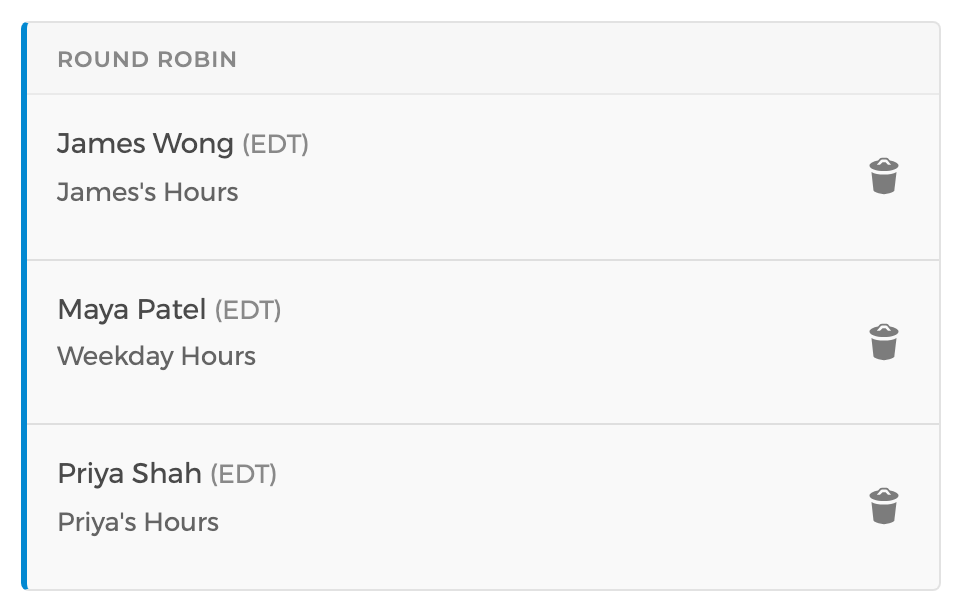
When a client books with "any available team member," round-robin scheduling automatically assigns the appointment to whoever has received the fewest bookings for that event type, ensuring a fair distribution of work across your team.
Prefer to book certain team members first? Use priority ranking to fill your preferred hosts' schedules before distributing bookings to others.
You can also let booking guests choose a specific team member, or hide host selection entirely and let CozyCal handle the assignment behind the scenes.
Combine reserved hosts with round-robin groups
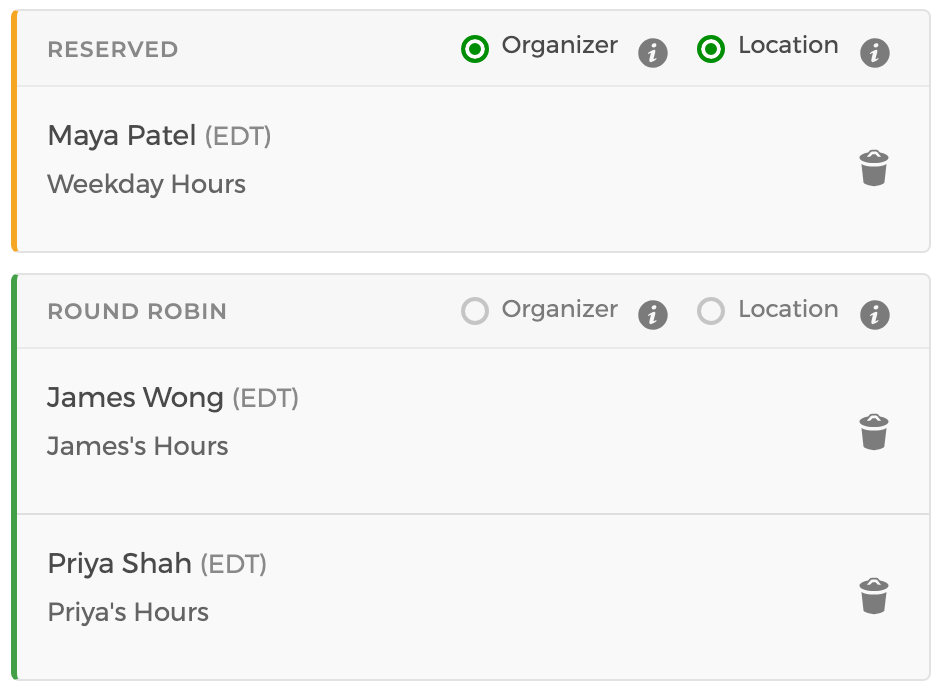
Designate a reserved host who is required for every booking, and round-robin the remaining spots. For example, every consultation includes your senior attorney, while CozyCal rotates the paralegal assignment evenly among your three paralegals.
Create multiple round-robin groups that rotate independently — perfect when each booking needs a specific combination of roles, like an account manager plus a designer, with balanced distribution within each role.
Round-robin works for resources too: rotate bookings across meeting rooms, stations or equipment to maximize utilization.