
Outlook Calendar Integration
Sync with your Outlook or Office 365 calendar to take full control of your schedule and keep your availabilities up to date.
Sign up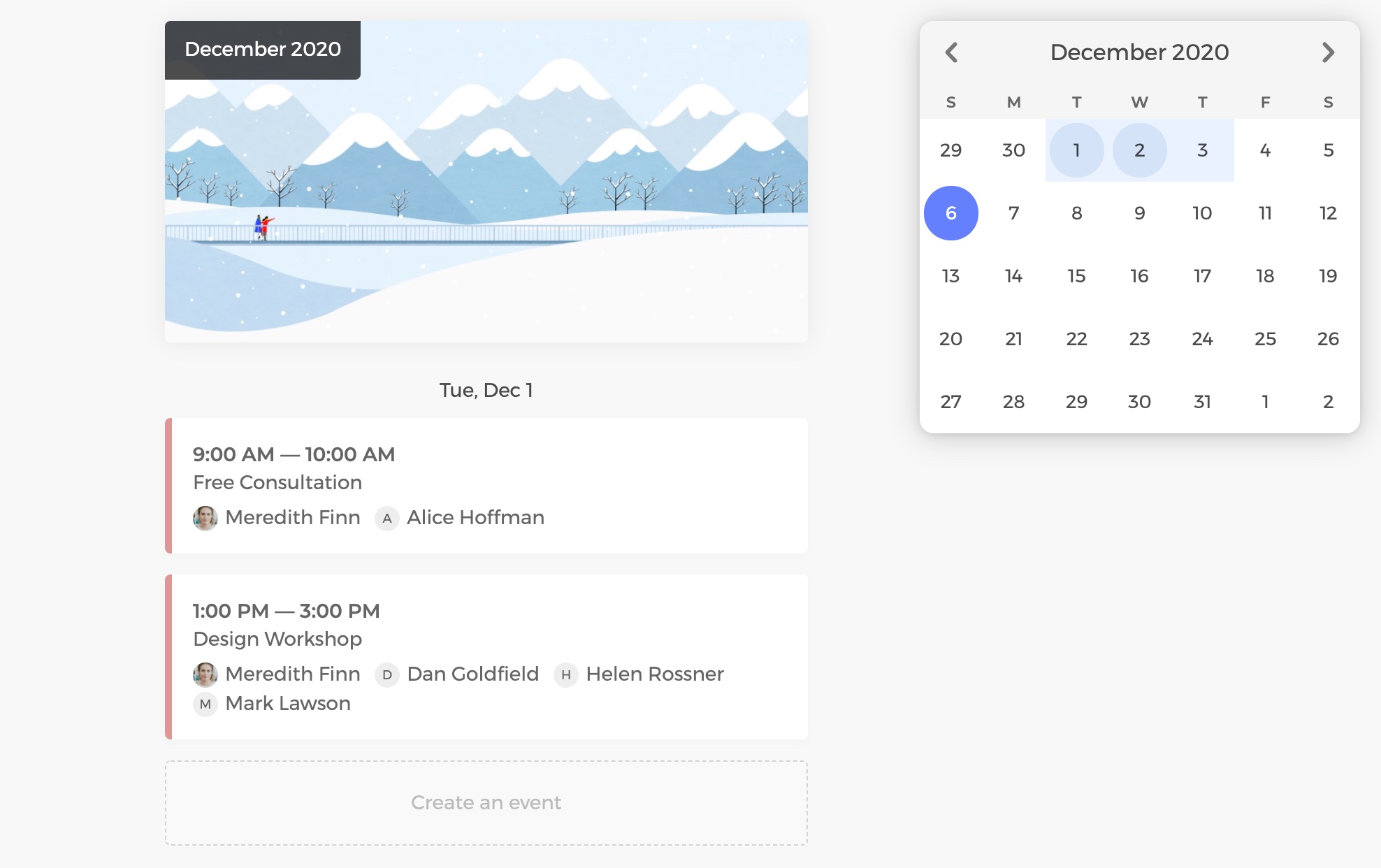
Sync with Outlook calendar to prevent double-bookings
Enable the 2-way sync between CozyCal and your Outlook or Office 365 calendar to make sure your schedule is updated in real-time and prevent double bookings.
Events scheduled through CozyCal are automatically added to your Outlook calendar with full event details, including intake form answers and virtual meeting links.
When a booking is rescheduled or cancelled, your Outlook calendar is updated automatically — no manual copying, no scheduling conflicts.
Connect multiple busy time calendars to keep availabilities up to date
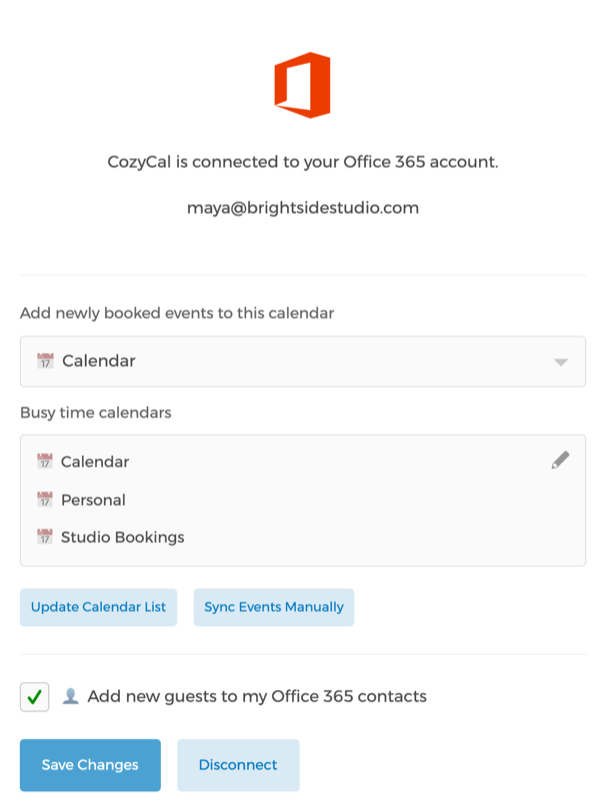
Sync multiple Outlook calendars as busy time calendars so booked time slots are automatically blocked off across all your schedules — work, personal, or shared team calendars.
Choose the specific Outlook calendar where new CozyCal bookings are added, and add or remove busy time calendars anytime to flexibly control your availabilities.
Already using Microsoft 365 for meetings? Pair your Outlook calendar sync with the Microsoft Teams integration to automatically generate Teams meeting links for scheduled events.