
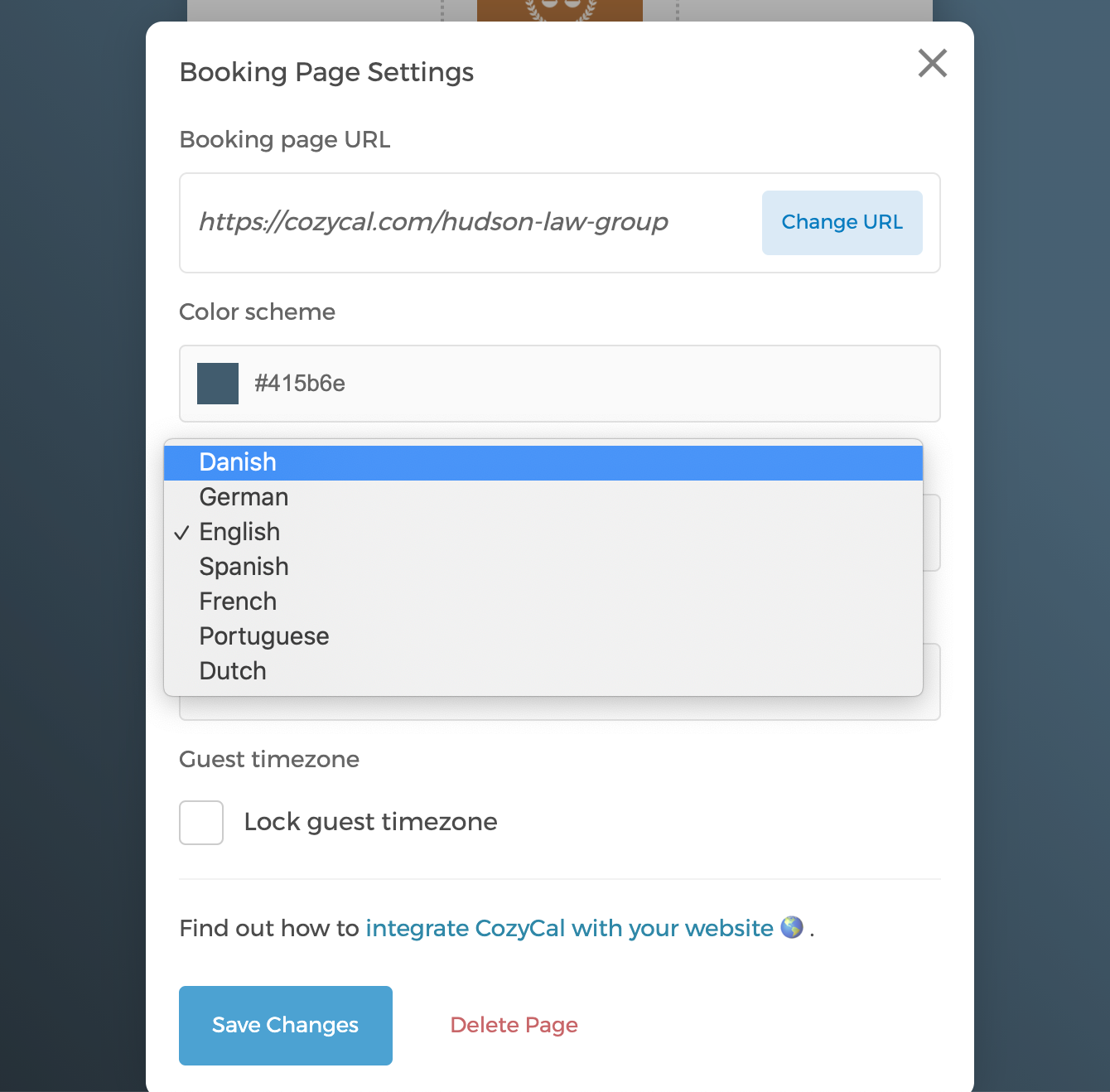
Danish translation is now available on CozyCal. To change the calendar's language setting to Danish, simply go to your booking page > click on the button "Page Settings" > click on the drop-down menu under "Language"> select Danish.
If you run into any translation error or any phrases that you think can be improved, please let us know.
God fornøjelse!