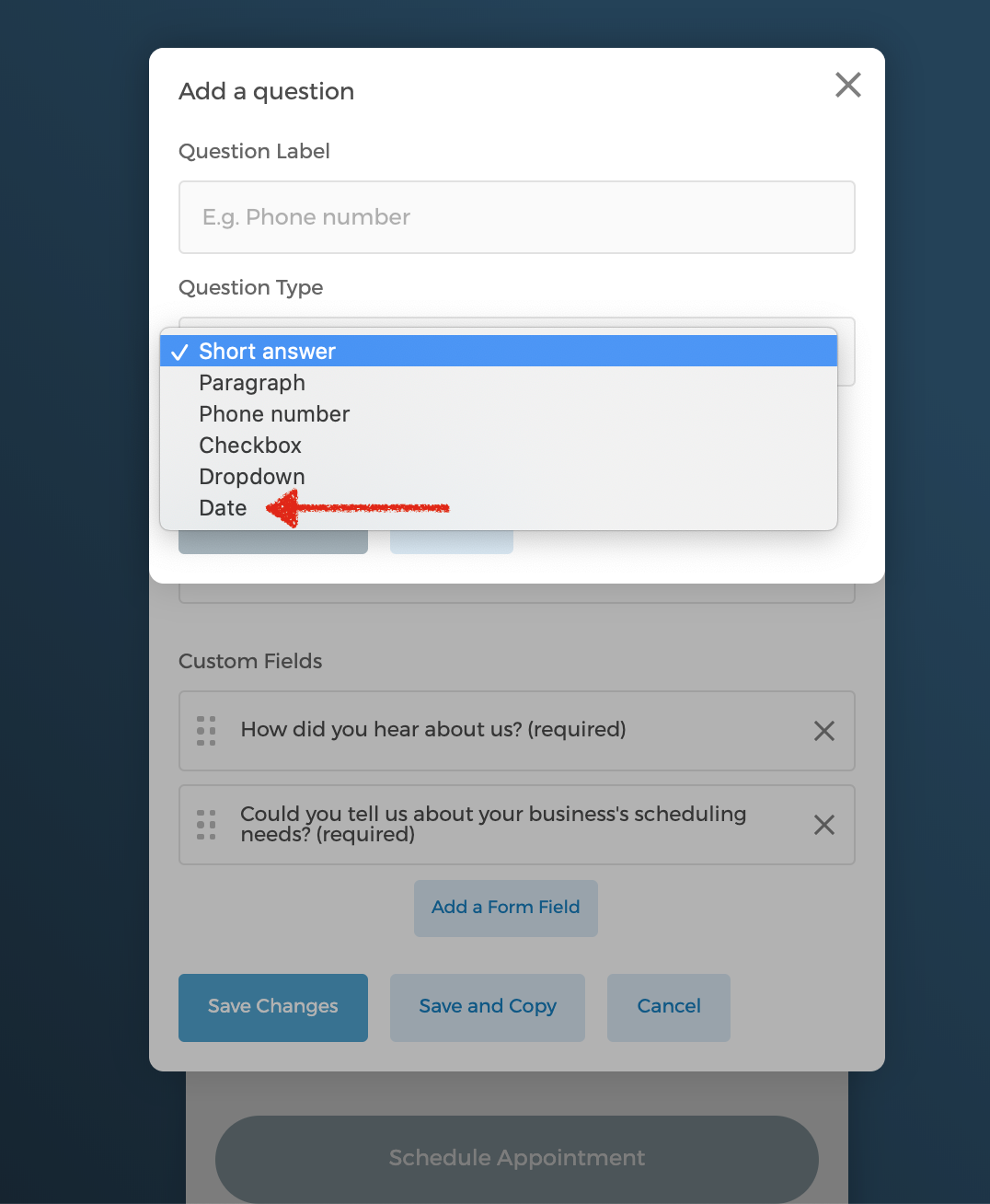
Now you can add Date as a field on your intake form.
You can add a date question type such as "When is your wedding date?" on your intake form. By clicking on the date field, guests can select a date directly from a pop-up calendar.
To add "date" field to your intake form, simply go to your intake form > Edit Intake Form > Add a Form Field > Select "Date" from the Question Type dropdown menu