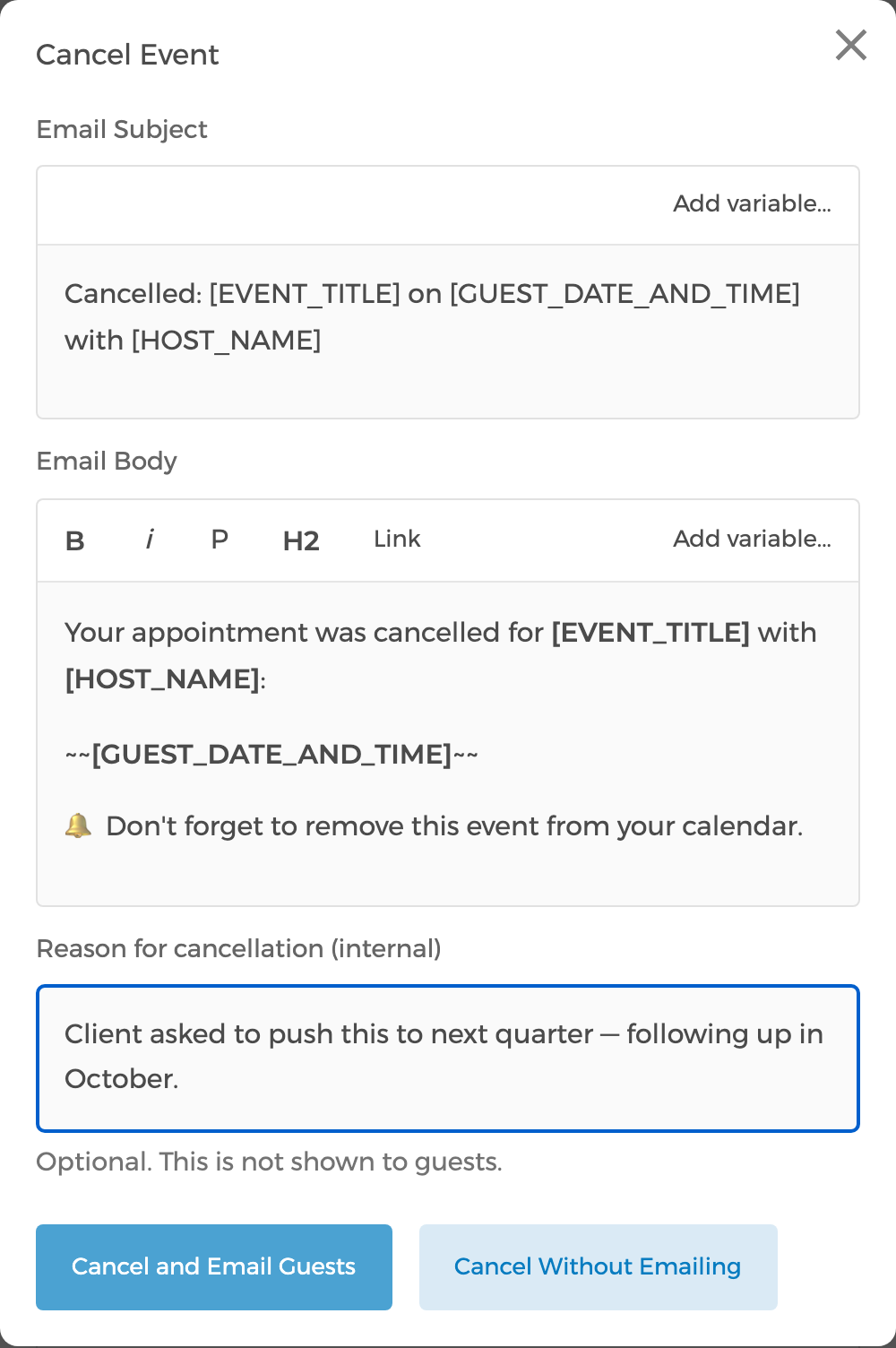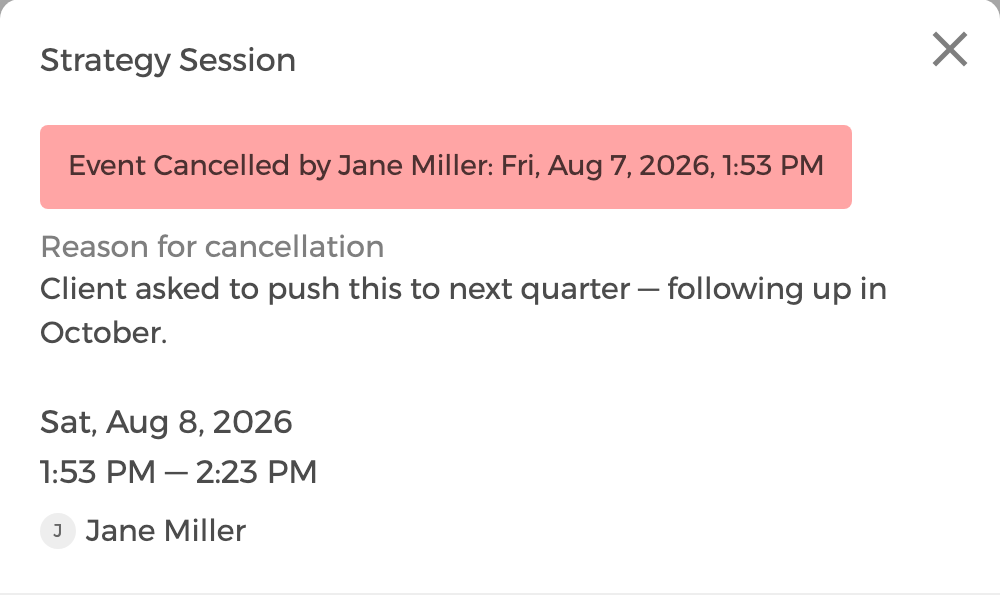
When you cancel an event, remove a guest, or reschedule, you can now add a note explaining why. CozyCal also records which team member made the change, so a cancelled event no longer just says "Event Cancelled" with no idea who ended it or what happened.
- The note is optional, and it's for your team only — it's never shown to guests, and stays out of guest emails and webhooks.
- It shows up on the event in your calendar, and in the notification emails sent to you and your team.
- Cancellations, guest removals, and reschedules now name the person who made the change.