
Hurray, SMS reminders (currently in beta) have finally arrived! You can now send SMS messages to remind guests of scheduled meetings.
At the moment, only USA 🇺🇸 and Canadian 🇨🇦 phone numbers are supported. If you'd like to see support for other countries, send us a message via the Get Help button within your account.
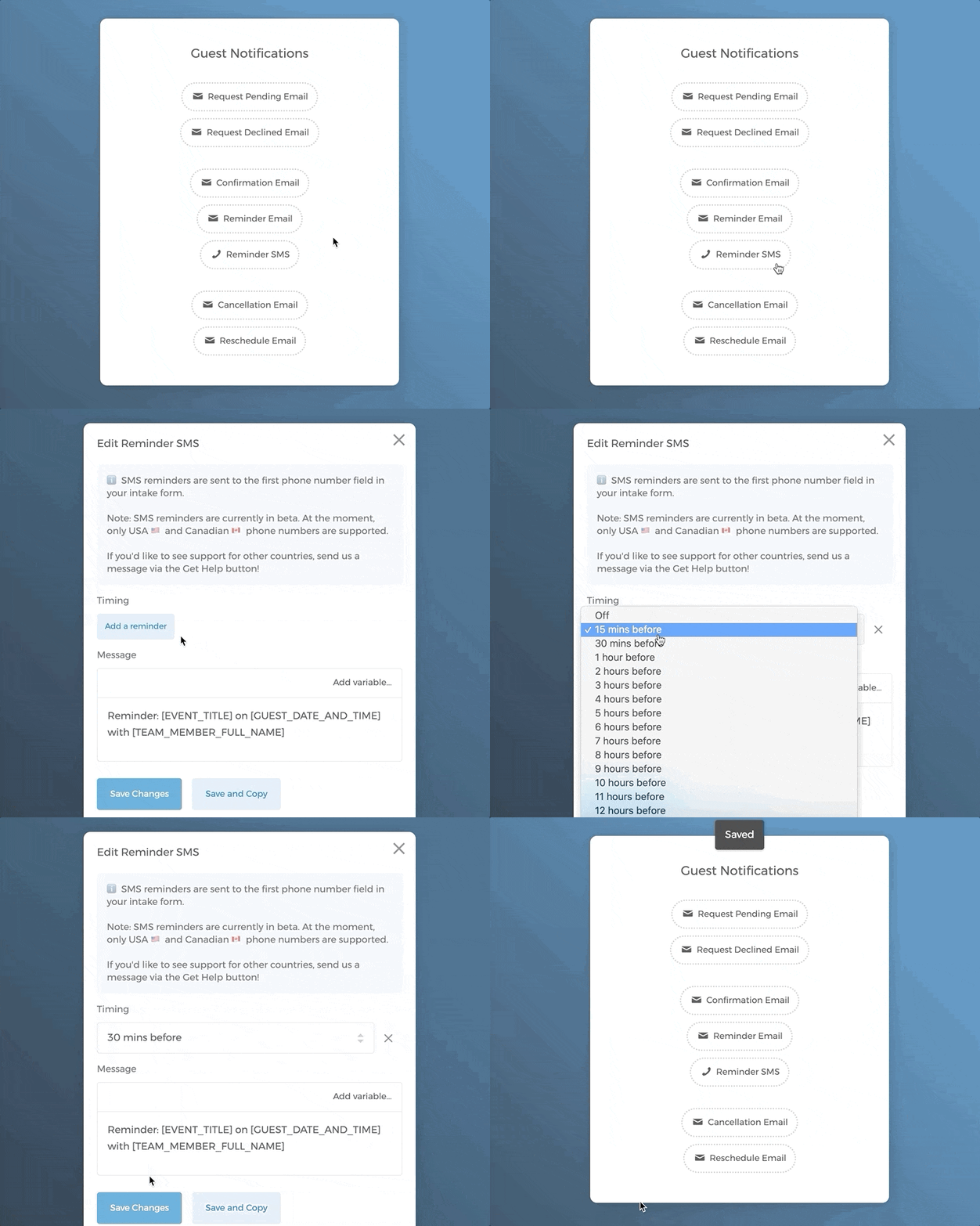
To set it up, simply go to your event type > **Guest Notifications ** > Reminder SMS > Add a reminder > select the time when you want the SMS to be sent
Since guest's phone number is needed for SMS, you will be asked to accept a phone number field being added to your intake form. 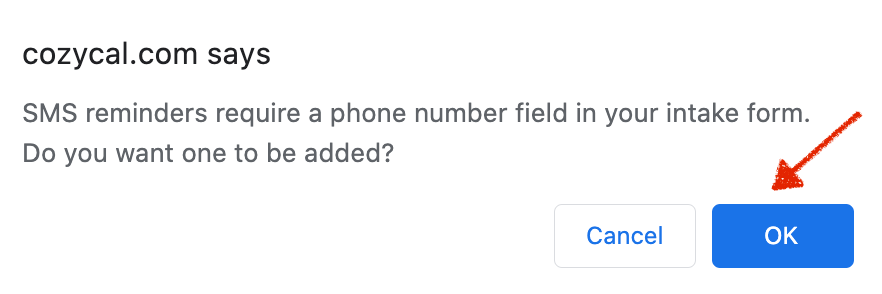
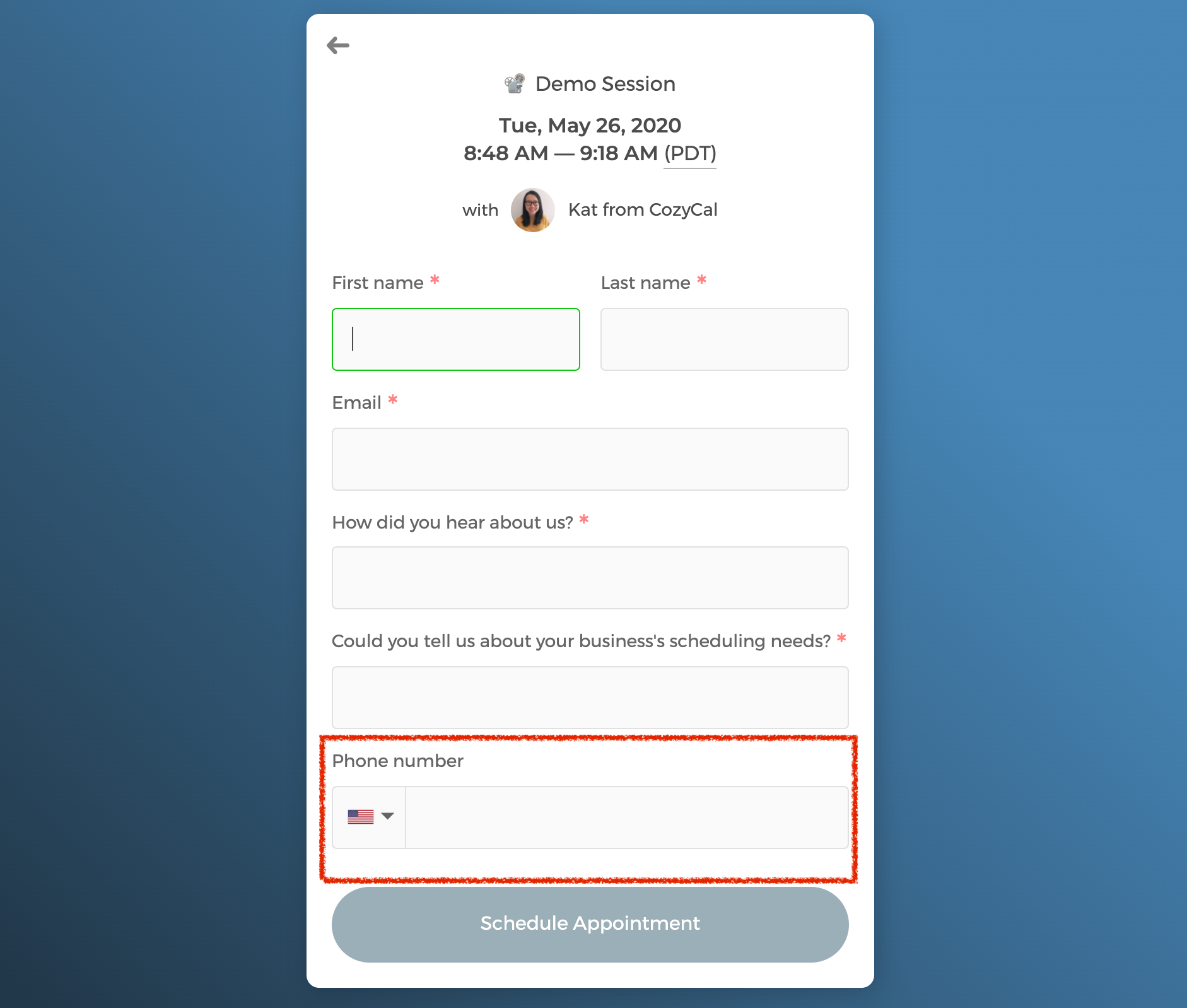
Just click on Ok, and the phone number field will automatically show up on your intake form.
Since SMS reminder feature is still in beta, we'd love to hear your feedback.