
Yes, you can change the setting to allow the floating button to only show on specific pages.
- Go to your Booking page
- Click on the Share button → Add to website
- Under the Floating button category, click on Button Settings
- Check Only show on a particular page
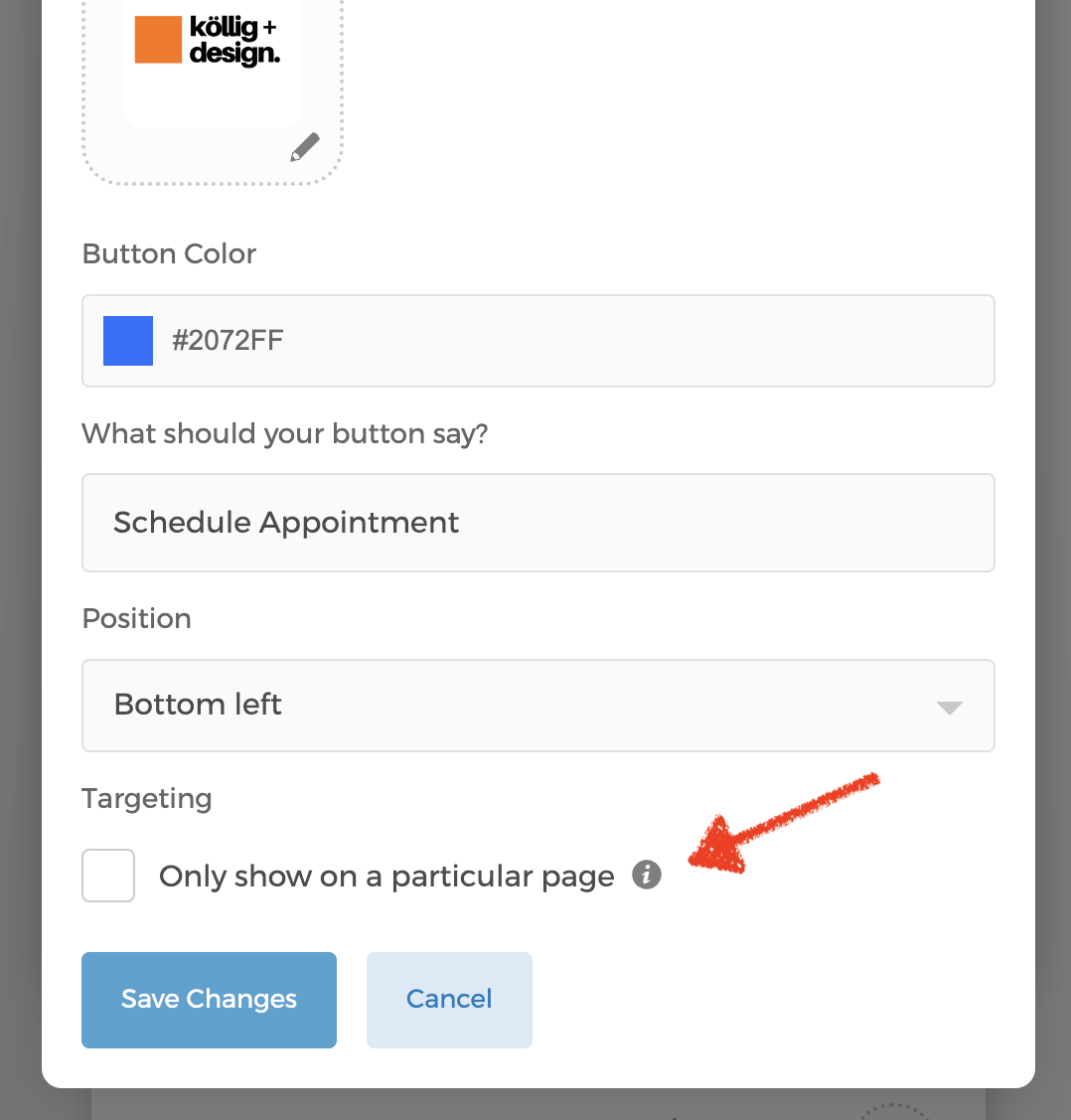
- Click on the circled info button for details on targeting.