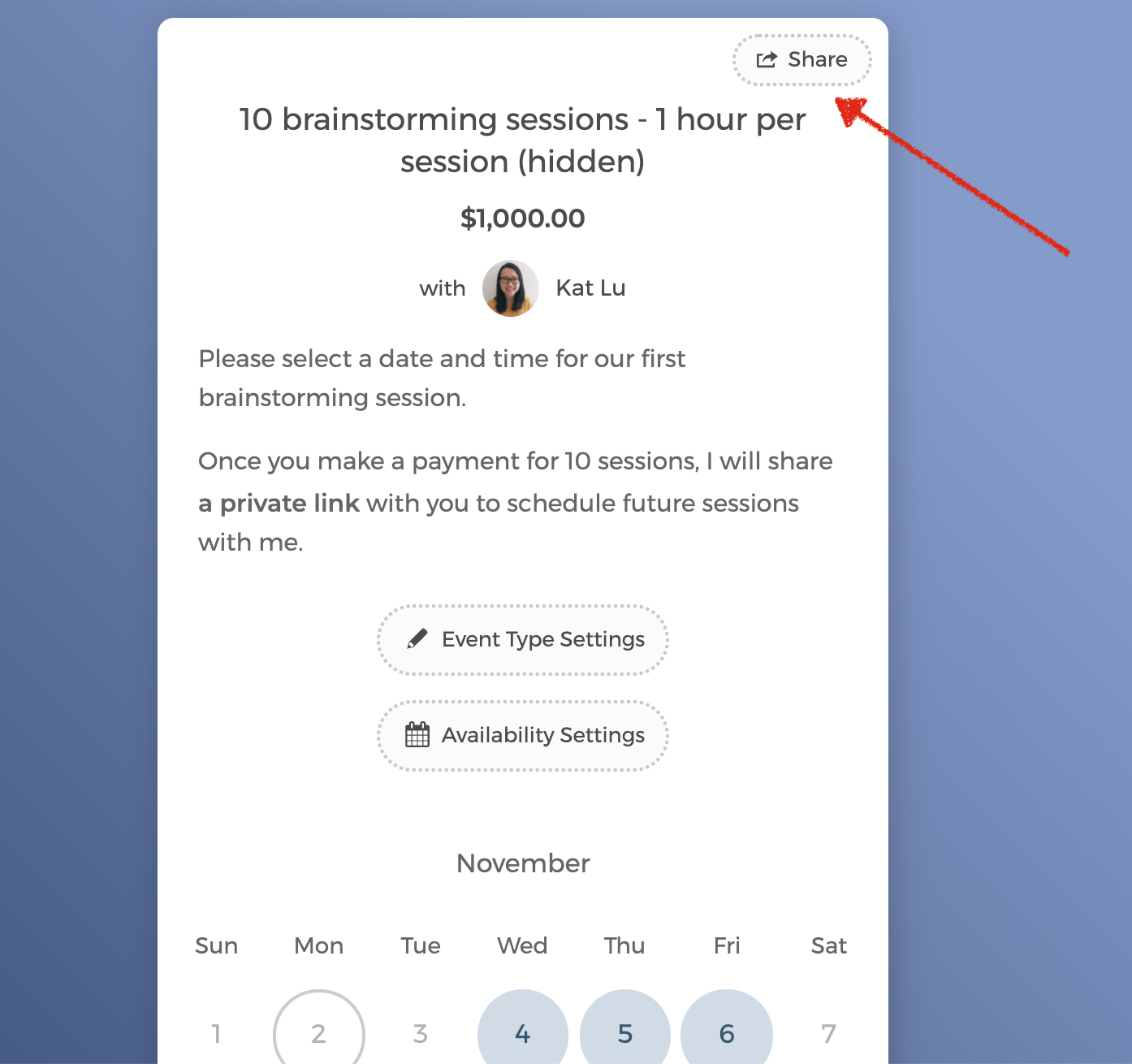
If you don't want to display an event type on the booking page, you can set it to hidden. Guests will only be able to access it from the shared URL.
To do so:
- On your booking page, click on the event type that you want to hide.
- Click on the "Event Type Settings" button (or "Folder Settings" button for folders)
- Check "Hide this page".
- When you toggle to Preview mode, you will see that the event type is shaded and not displayed on the booking page.
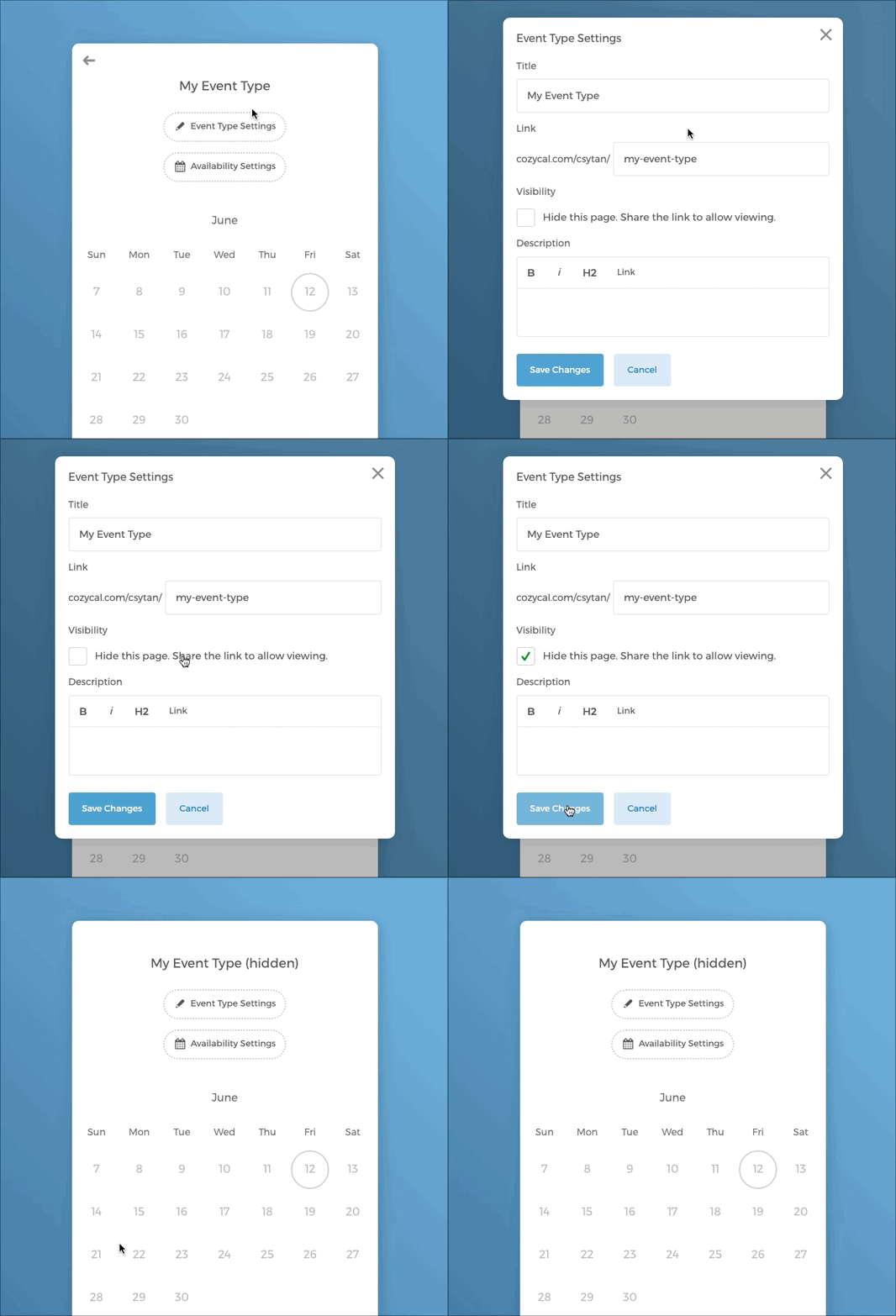
You can always re-publish the event type as public again. Simply uncheck "Hide this page" and the event type or folder will show up again on your booking page.
Share the hidden event type's URL
When you want to share the hidden even type with booked guests, simply click on the button Share, and the link is copied.