
Extra data can be passed through to your guest, by adding URL parameters to your booking page's link. Parameters prefixed with data_ will be treated as passthrough variables.
How to use it:
- Create a link to your CozyCal page with a
data_parameter. For example:https://cozycal.com/kollig/schedule-with-chris?data_referral=benfranklin
When the guest visits this link, the data will be stored until they close the tab. Any bookings they make during this time will contain the extra data.
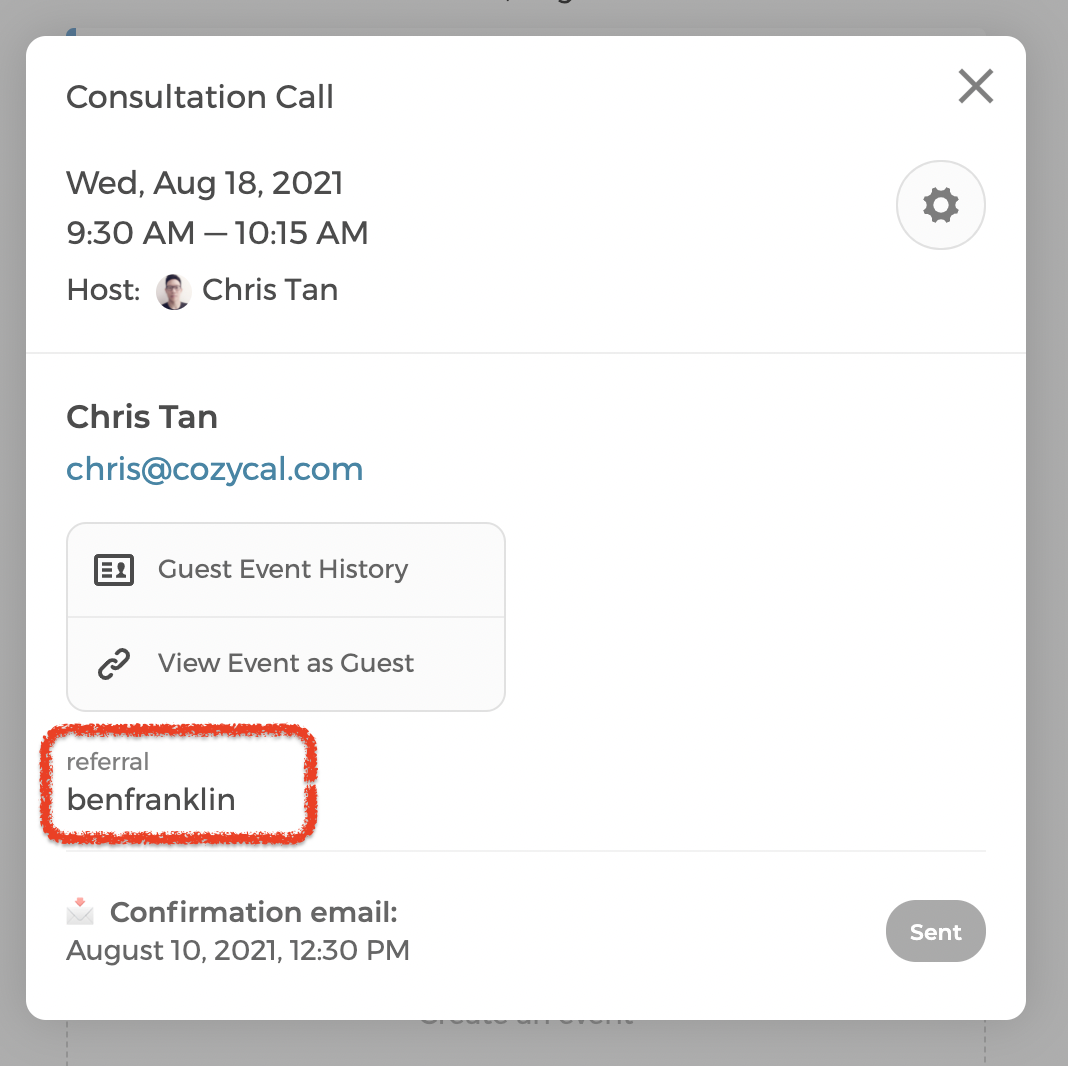
You can see the passthrough data when viewing your event on the Calendar page
Use with the Javascript API
Once a guest booking has been made, passthrough variables can be accessed within the guest data for the Javascript API's scheduled event.
javascript
{
    "email": "test@example.com",
    "status": "confirmed",
    ...
    "extra_data": {
        "referral": "benfranklin"
    }
}
Read more here:
Adding passthrough variables to Redirect URLs
You can pass the extra_data parameter in the Redirect URL.
Note: The value of the
extra_dataparameter is encoded as JSON
Read more here: