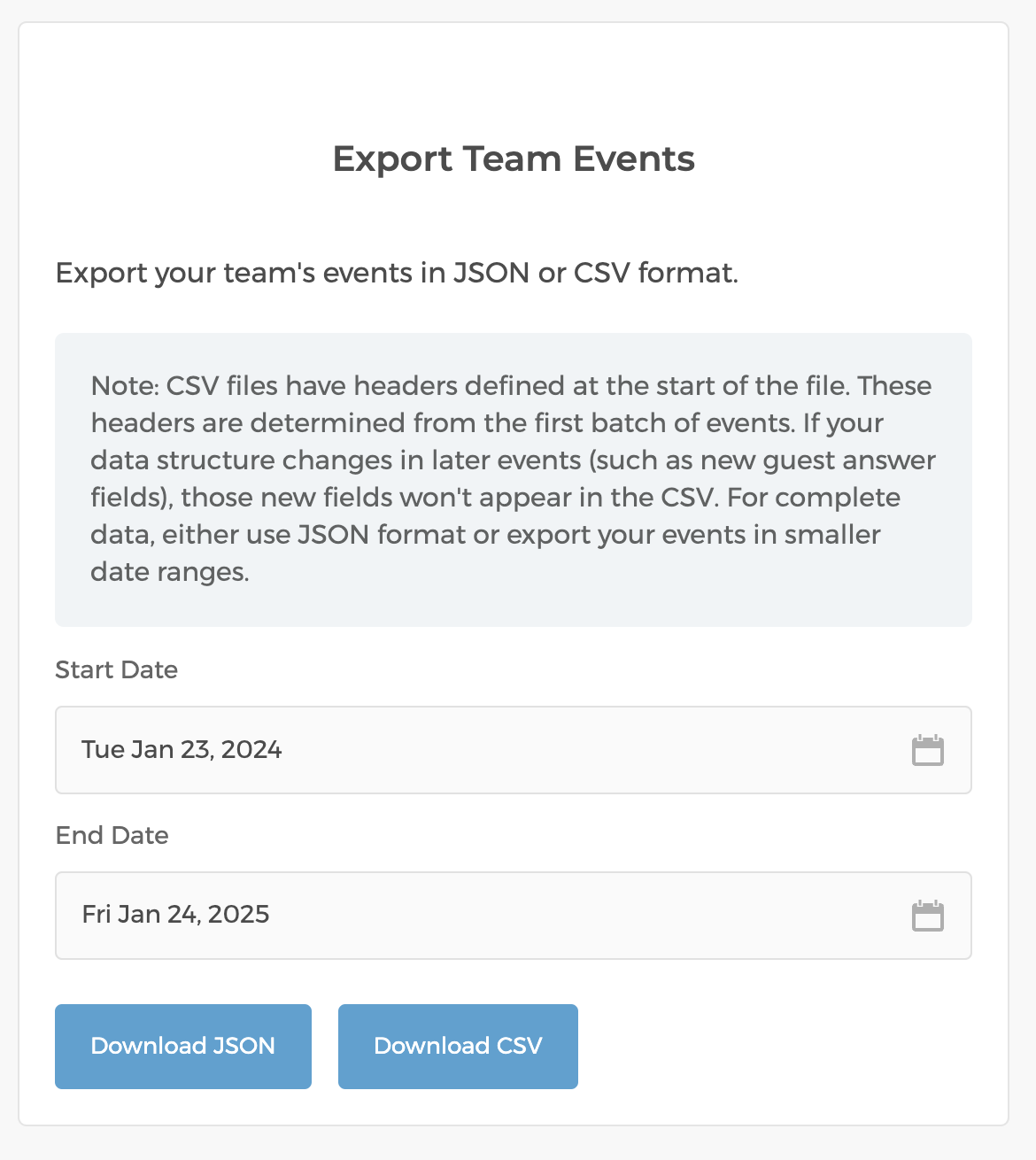
You can export your team's events as JSON or CSV. To do so, make sure you are logged in as an admin, and then go to Settings → Export Events (under the "Team" section).
Once you are on the page, you can choose a date range to export.

You can export your team's events as JSON or CSV. To do so, make sure you are logged in as an admin, and then go to Settings → Export Events (under the "Team" section).
Once you are on the page, you can choose a date range to export.
Still need help? Email us at support@cozycal.com.