
Note: you can now login and sign up using Office 365!
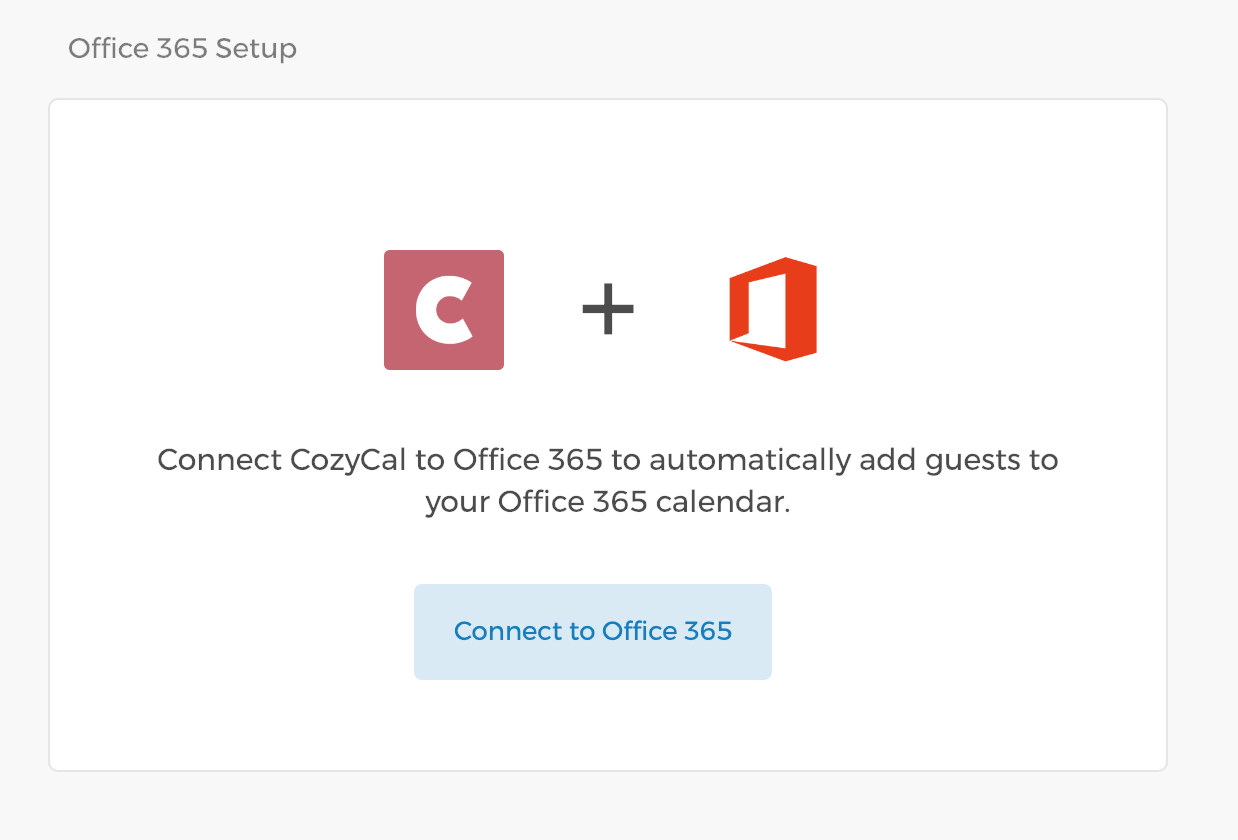
Integrating CozyCal with your Office 365 account is easy.
- Go to your
Settings - Under My Account Integrations, click on
Office 365 - Click on
Connect to Office 365.
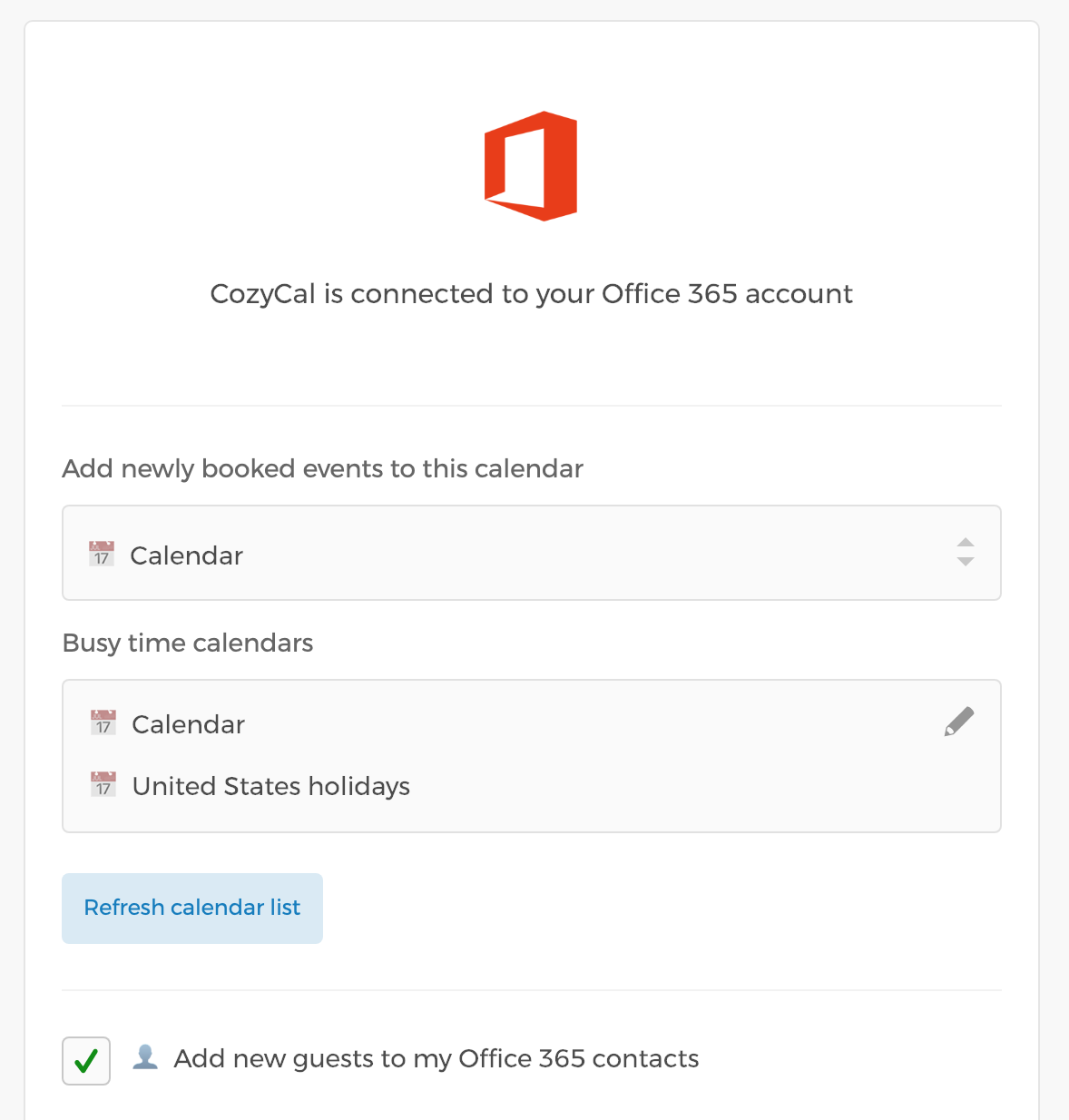
Once you've connected to Office 365, you'll be able to:
- Select a calendar where new events will be added.
- Select the calendars to be used to prevent double bookings.
- Automatically create new Office 365 contacts when new guests schedule with you.
- Add MS Teams meeting links to new events by clicking Enable MS Teams. This is a separate, one-time authorization (you'll be asked to sign in again) and requires a work or school account with a Teams license.
For more information on integrating resources to 365, please see this guide Using Resources with Google Calendar, Office 365, and Clio.