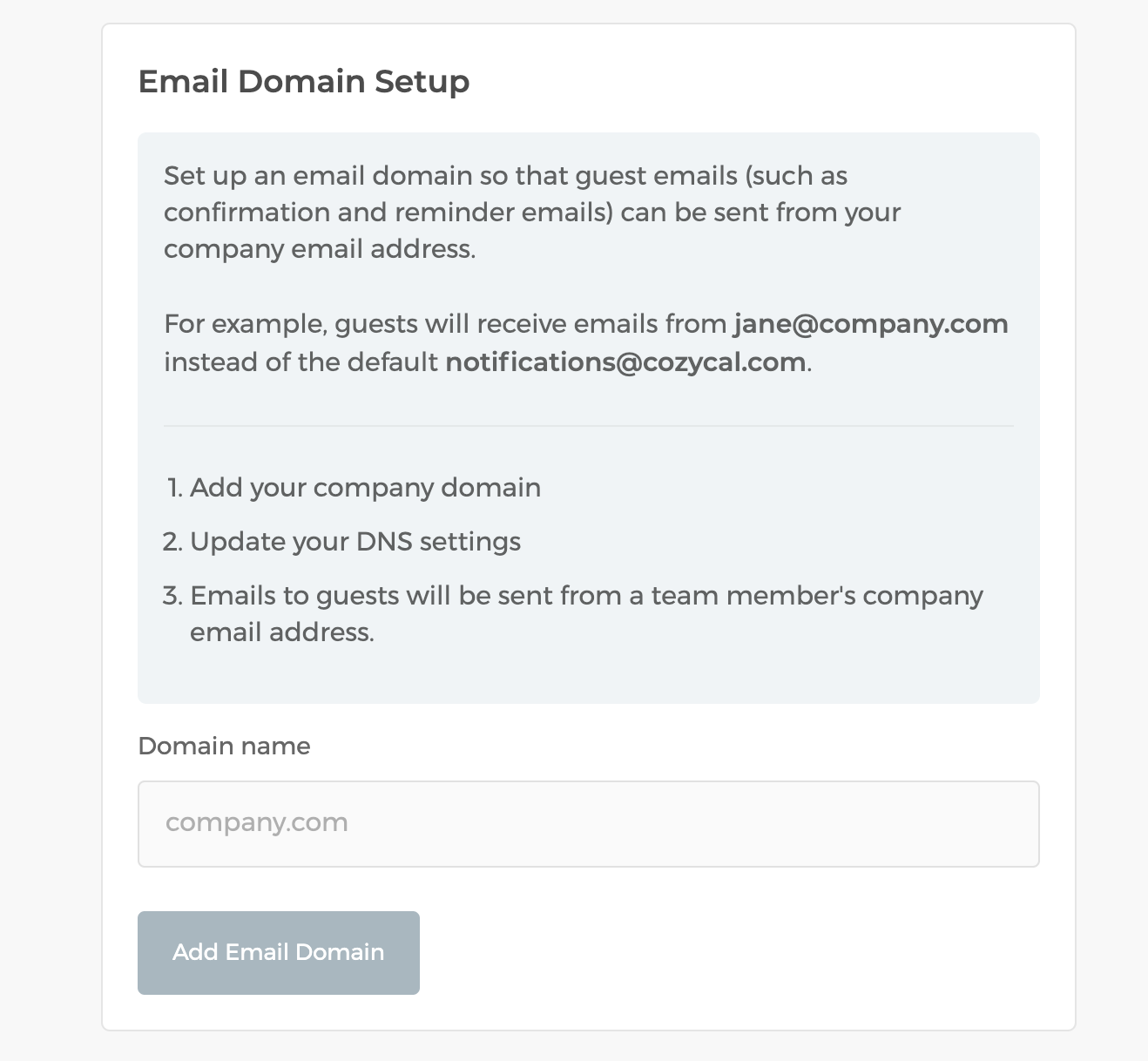
Set up your email domain so that guests emails (such as confirmation and reminder emails) are sent from your company's email address.
White-label emailing can reinforce your branding and deliver a more professional email experience. Emails are sent with the same high deliverability that you're used to with CozyCal.
Note: You need to be an admin to access these settings. You might need help from your webmaster to set up the email domain.
The domain must be one that your company owns.
To get started:
- Go to your
Settings>Email Domain. - Enter the company domain you'd like to send from.
- The page will then display the exact DNS records you need to add (a DKIM record to authorize sending, and a Return-Path record for bounce handling). Add these records with your domain's DNS provider.
- Once your DNS provider has propagated the records, return to the page to verify your domain.
You might need help from your webmaster to add the DNS records. CozyCal generates the specific values for you on the Email Domain page.