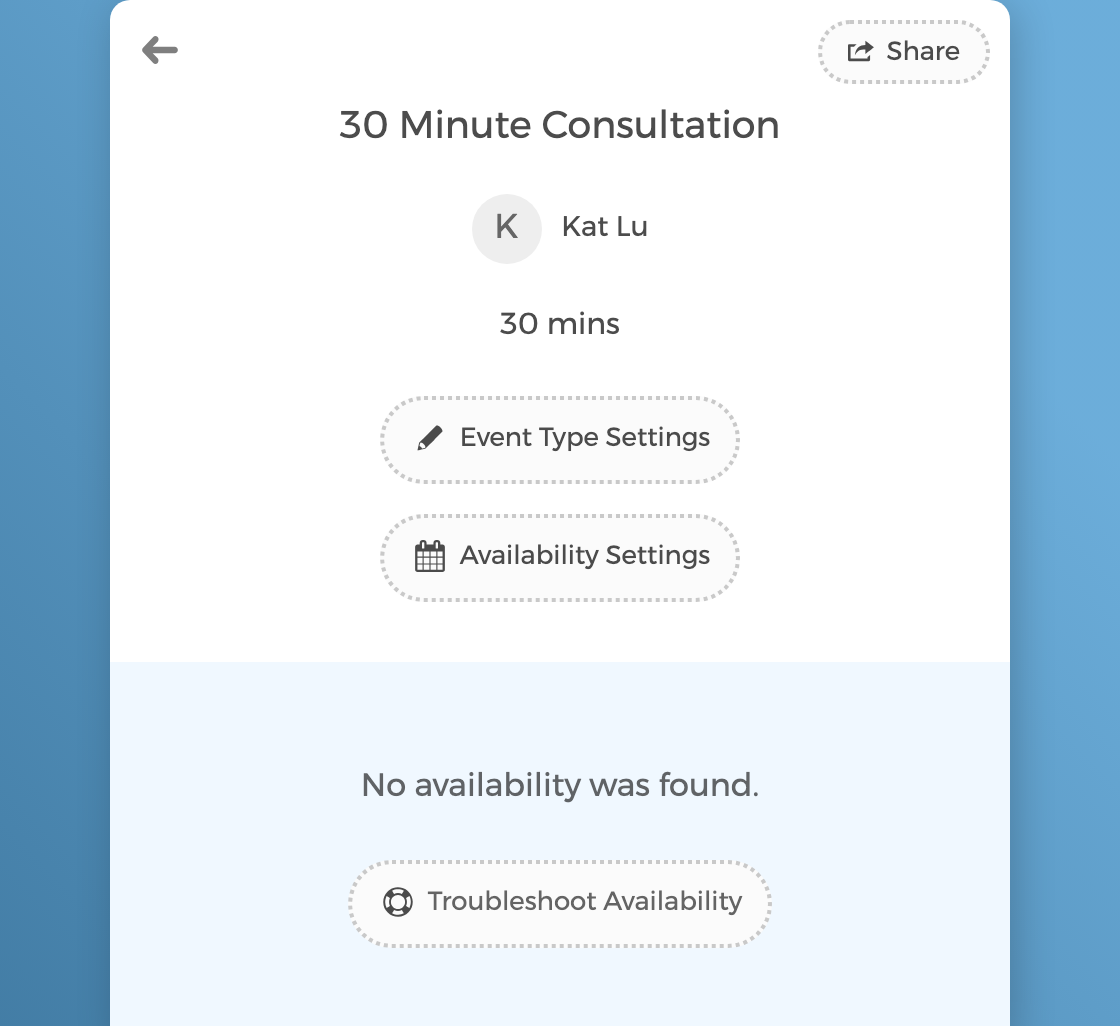
Troubleshoot Availability
Click any time slot on your booking page to see exactly why it's available or blocked. No more guessing, no more support emails.
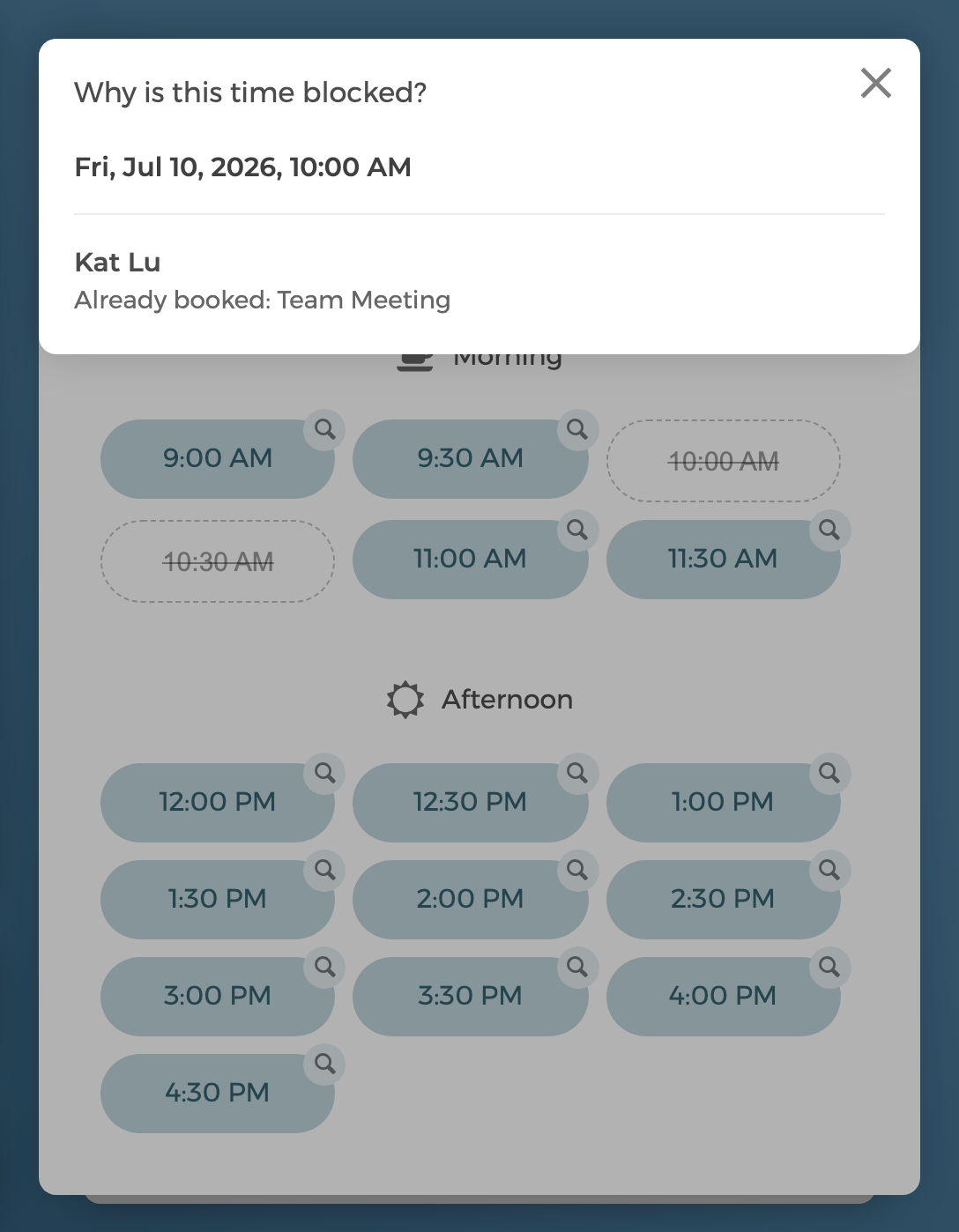
Click any time to see exactly why it's open or blocked
When you're signed in and viewing your own booking page, every time slot gets a small inspect button. Click it and CozyCal answers one question in plain language — Why is this time available? or Why is this time blocked?
For a blocked slot, it names exactly what's in the way: a busy event on your CozyCal calendar or a connected external calendar (Google Calendar, Outlook, Clio), buffer time around a specific nearby booking (it tells you which one), booking window restrictions, daily and weekly booking limits, blocked-off dates, or hours you're not available. For an open slot, it confirms nothing conflicts.
It even surfaces the events that aren't blocking bookings — the ones marked Free, all-day events, and invitations you've declined that free/busy sync quietly ignores — and tells you the one-tap fix, so a slot you thought was busy closes the way you expect. It also lists every calendar it checked and flags any that need reconnecting.
For team event types, the answer is broken down per host, so you can see which team member's schedule is holding a slot open or blocking it.
No times showing at all? Troubleshoot the whole calendar
If your booking page shows no availability anywhere, click Troubleshoot Availability to load the calendar with every day inspectable — then click any day to see why it's blocked, whether it's outside your working hours, beyond your booking window, or fully booked.
Everything stays private: the troubleshooter only appears when you're signed in to your CozyCal account and viewing your own page. Guests simply see clean, bookable times.
Use it to double-check a new booking page before sharing it, or to find the stray calendar event blocking the slot a client asked about.