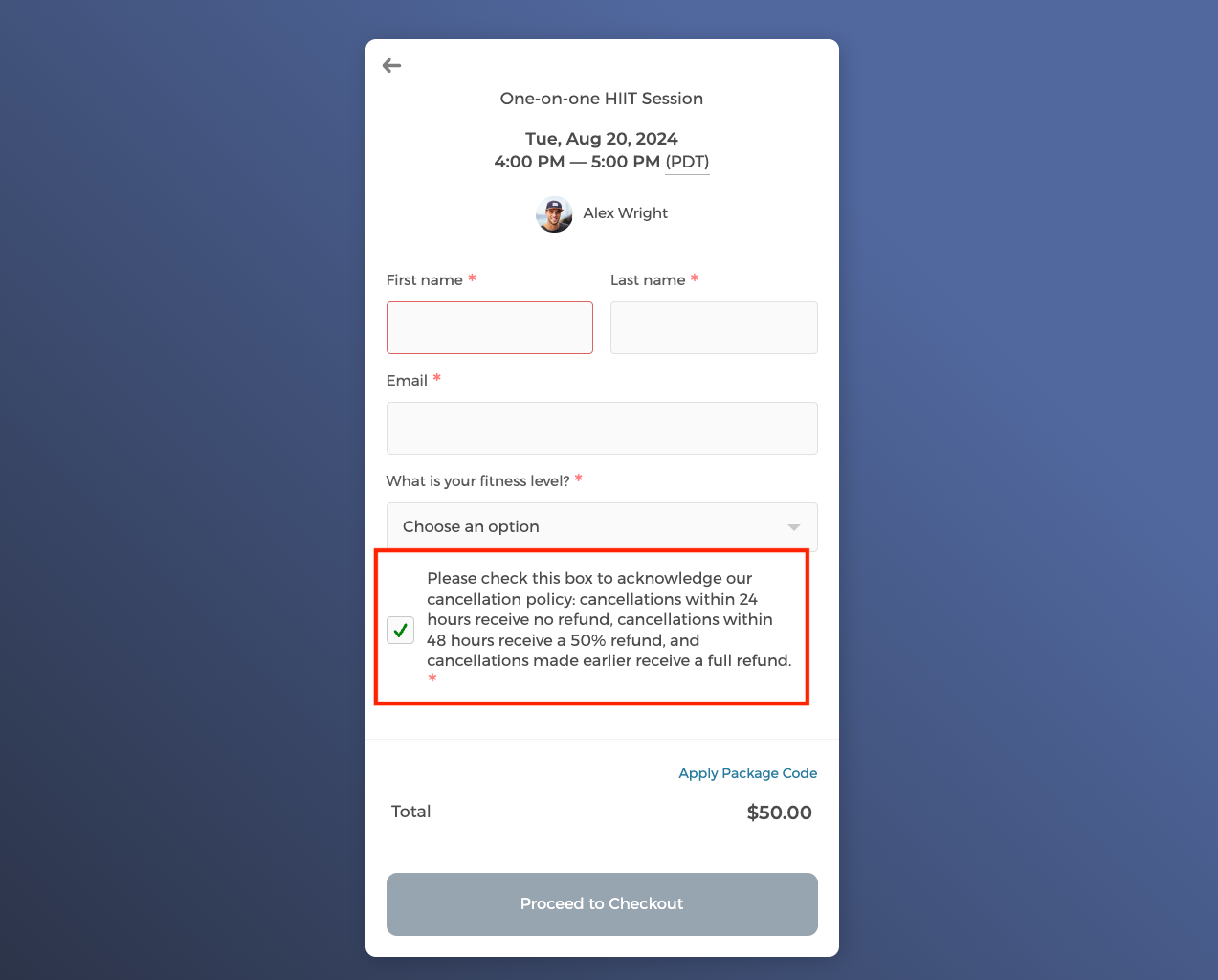
You can now set a minimum cancellation notice period on your event type's confirmation page. This helps ensure that your schedule remains predictable and reduces the chances of unexpected gaps.
- On your booking page, click on the event type that you want to edit.
- Click on
Event Confirmationon the left navigation menu. - Click on the
Reschedule / Cancelbutton. This opens theReschedule and Cancellation Settingseditor.
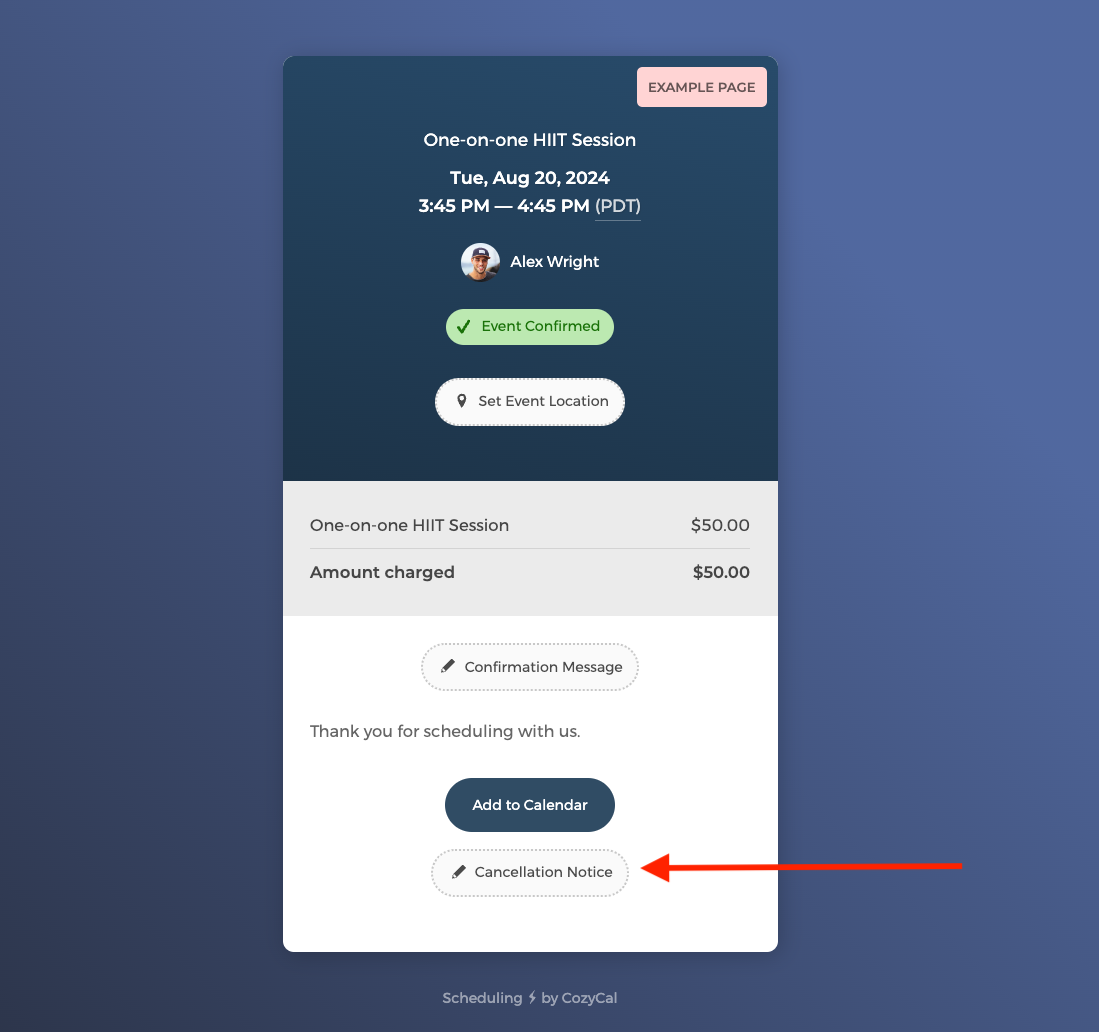
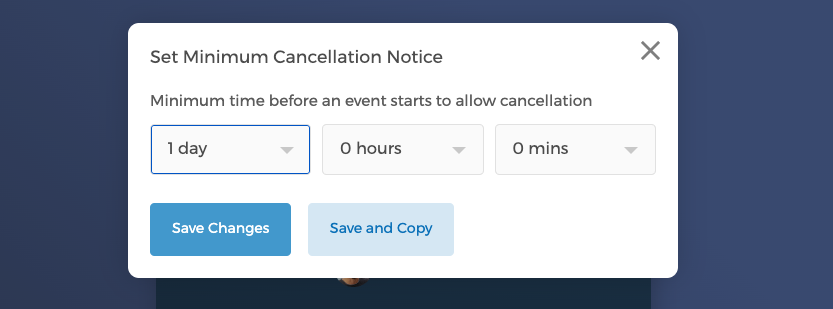
- Check
Allow cancellation, then set theMinimum time before an event starts to allow cancellation(e.g., 24 hours, 48 hours).
You can add an info box or a checkbox field on your intake form to display your cancellation policy. For more details on how to edit the intake form, please click here.