
A location goes into the confirmation email and the calendar event, so guests never have to ask where to be.
- Open your booking page and click the event type.
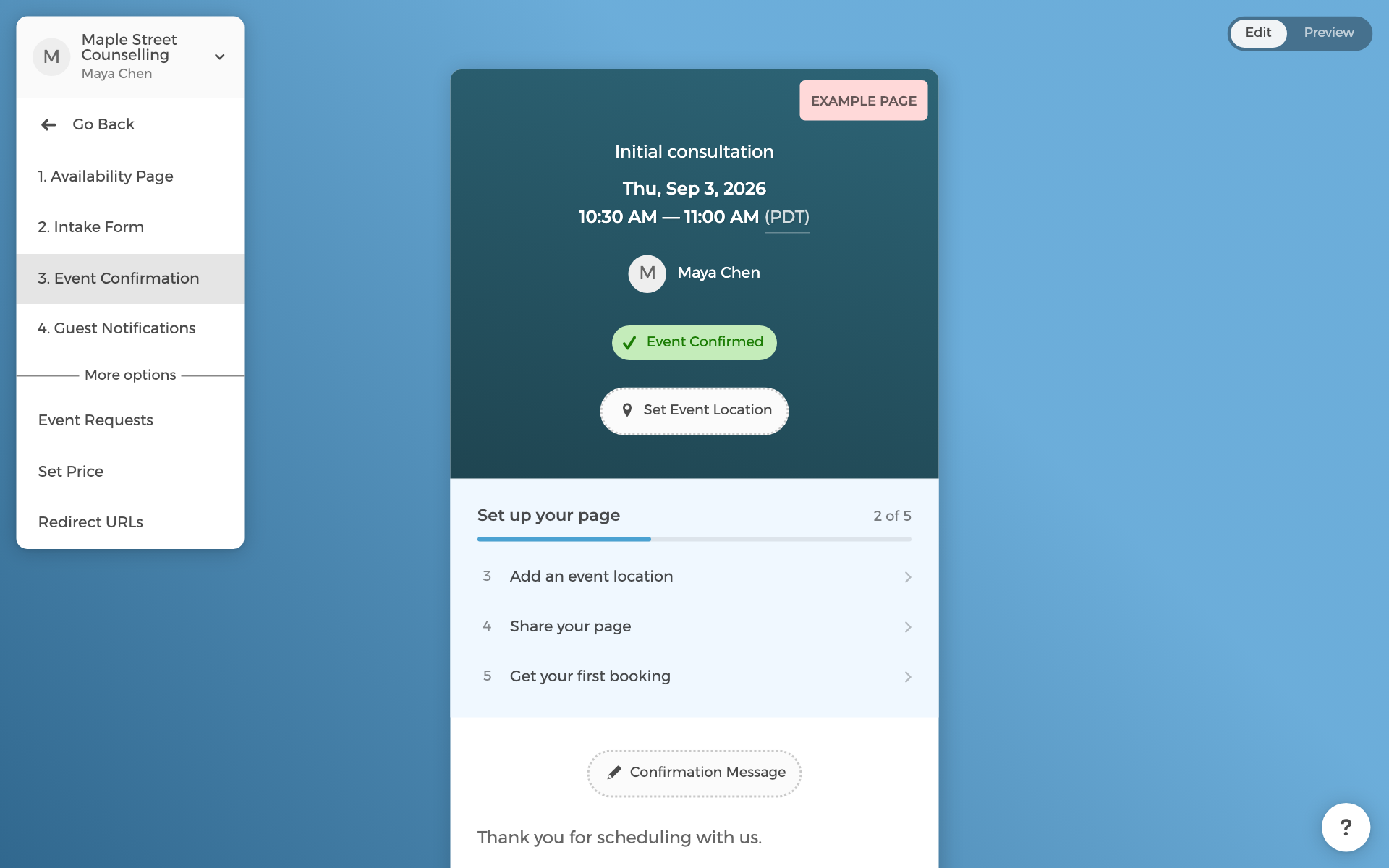
- In the left menu, choose Event Confirmation. This page shows what a guest sees after booking.
- Click Set Event Location and pick one:
- Zoom, Google Meet, or Microsoft Teams: a unique meeting link is created for every booking. Meet and Teams use the calendar you connect in the last step; Zoom is connected under Settings.
- Phone: your number.
- Address: for in-person appointments.
You can add more than one location and let the guest choose, for example in person or by video.