
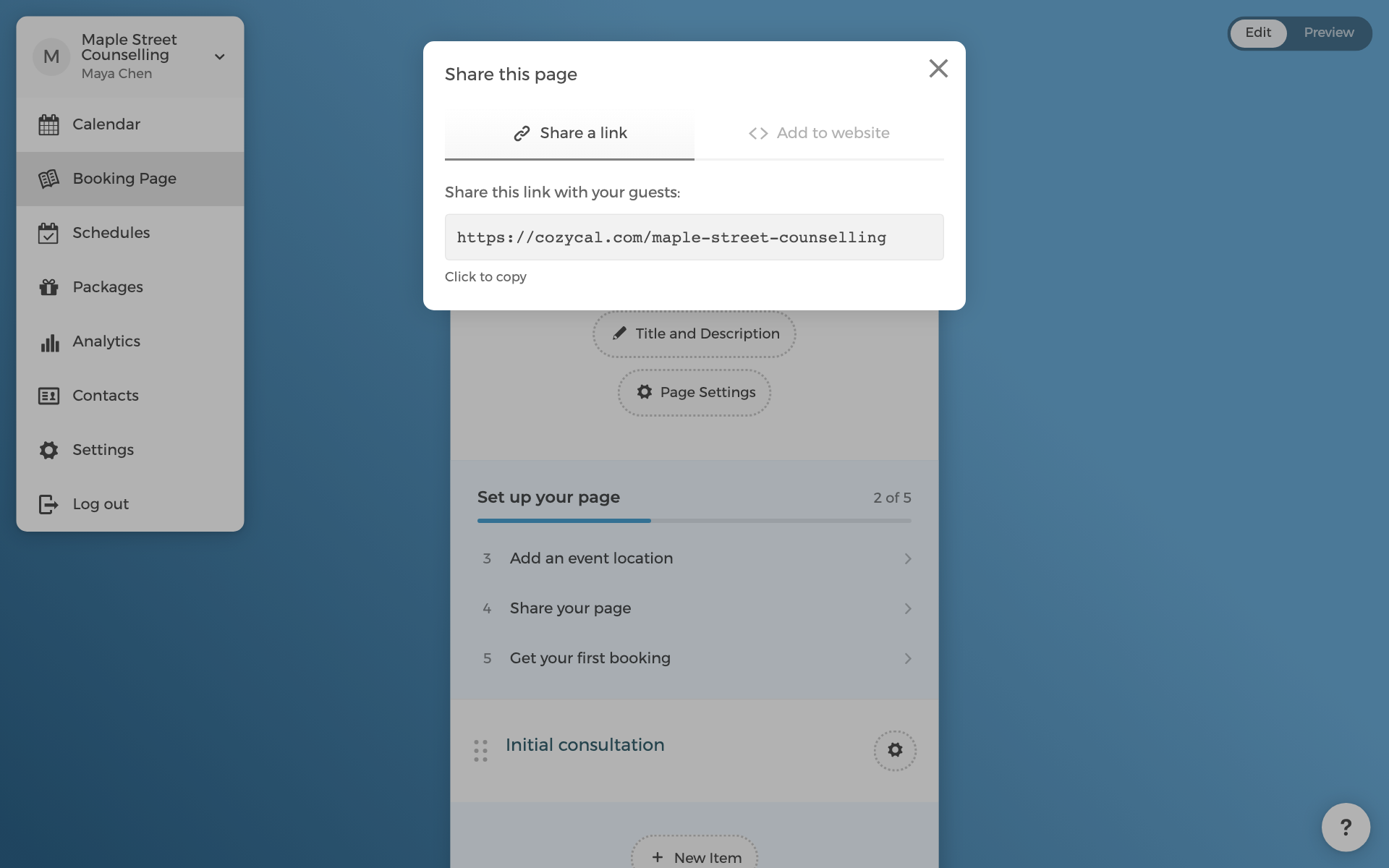
Your page is live at cozycal.com/your-page-name. The Share button at the top of your booking page has everything you need to copy.
Three ways most hosts start:
- Email signature. Paste the link with a short line such as "Book a time with me". This alone brings in most first bookings.
- Website link. Link a button or menu item on your site to your page. Under Add to website, the floating button and pop-up options open your page without leaving your site.
- Embed. The in-frame embed puts the calendar directly into a page on your site. See Install CozyCal on your website for Webflow, WordPress, and plain HTML.
The Share your page step on the checklist is marked done once a website is set on your page, or as soon as your first booking arrives, whichever comes first.