
The quickest way to check your setup end to end is to book yourself.
- Open your booking page and switch from Edit to Preview at the top right. This is the guest view.
- Click your event type, pick a time, and fill in the form with your own email address.
- Confirm the booking.
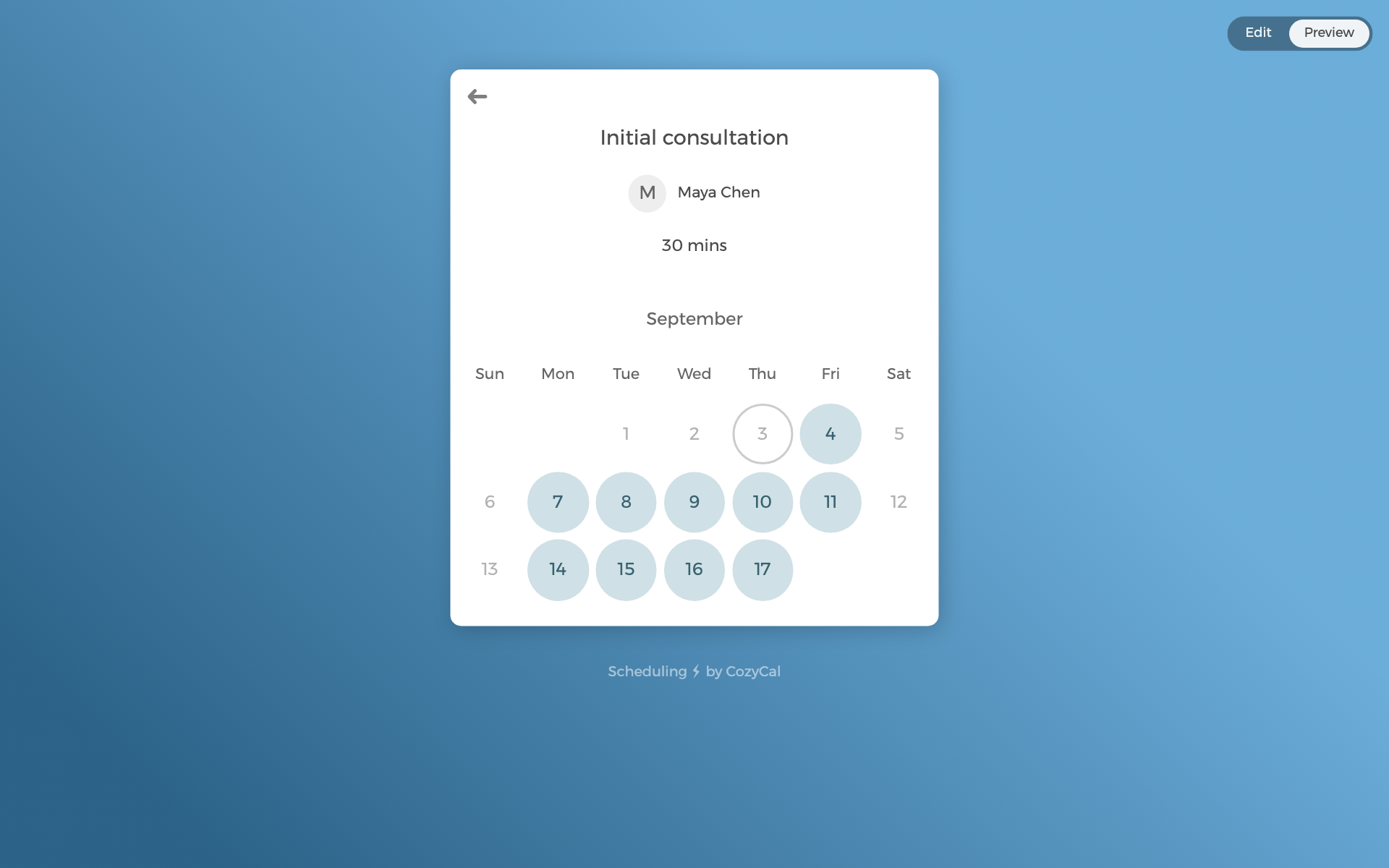
Then check what arrived:
- A confirmation email, with the location and links to reschedule or cancel.
- Once your calendar is connected in the next step, bookings land there too, with the meeting link if you added a video location.
- The booking in your CozyCal Calendar, where hosts see every upcoming event.
A test booking counts as your first booking on the checklist. To remove the test, open the event in your CozyCal calendar and cancel it. The guest side gets a cancellation email, which in this case is you.