
Connecting your calendar is not on the Set up your page checklist, but it is the step that matters most before real guests book. Once it is connected, CozyCal checks your calendar for conflicts before offering a time, and adds every booking to it automatically.
- Go to Settings.
- Under My Account Integrations, choose Google Calendar & Meet or Office 365.
- Click Connect to Google or Connect to Office 365 and sign in with the account whose calendar you use for work.
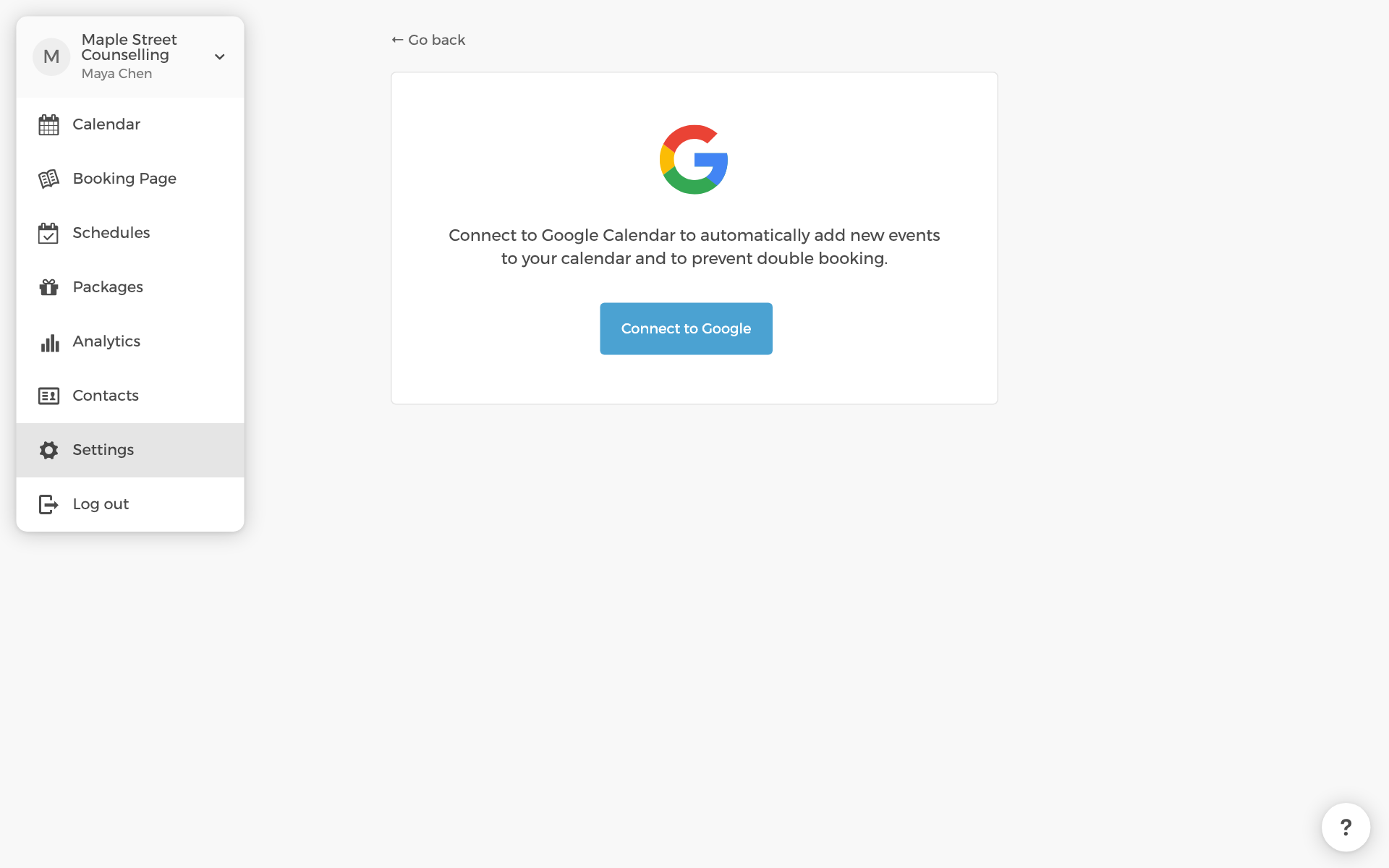
After connecting, two settings on the same page are worth a look:
- The calendar that receives your bookings.
- The calendars checked for conflicts. Busy times on these block your availability, so include any personal calendar you want respected.
Video meeting links come from the same connection. Google Meet is available once Google Calendar is connected; Microsoft Teams once Office 365 is. The meeting location itself is set per event type, as in step three.
Where to go from here
- Set up email notifications to change what guests receive.
- Edit the intake form to collect details when someone books.
- Charge for bookings with Stripe.