WordPress is a powerful content management system (CMS) that enables users to easily create and customize websites without having to learn code.
To install CozyCal on WordPress, first you need to copy some code. Read the below guide to learn how:
Install CozyCal on your website
Floating button
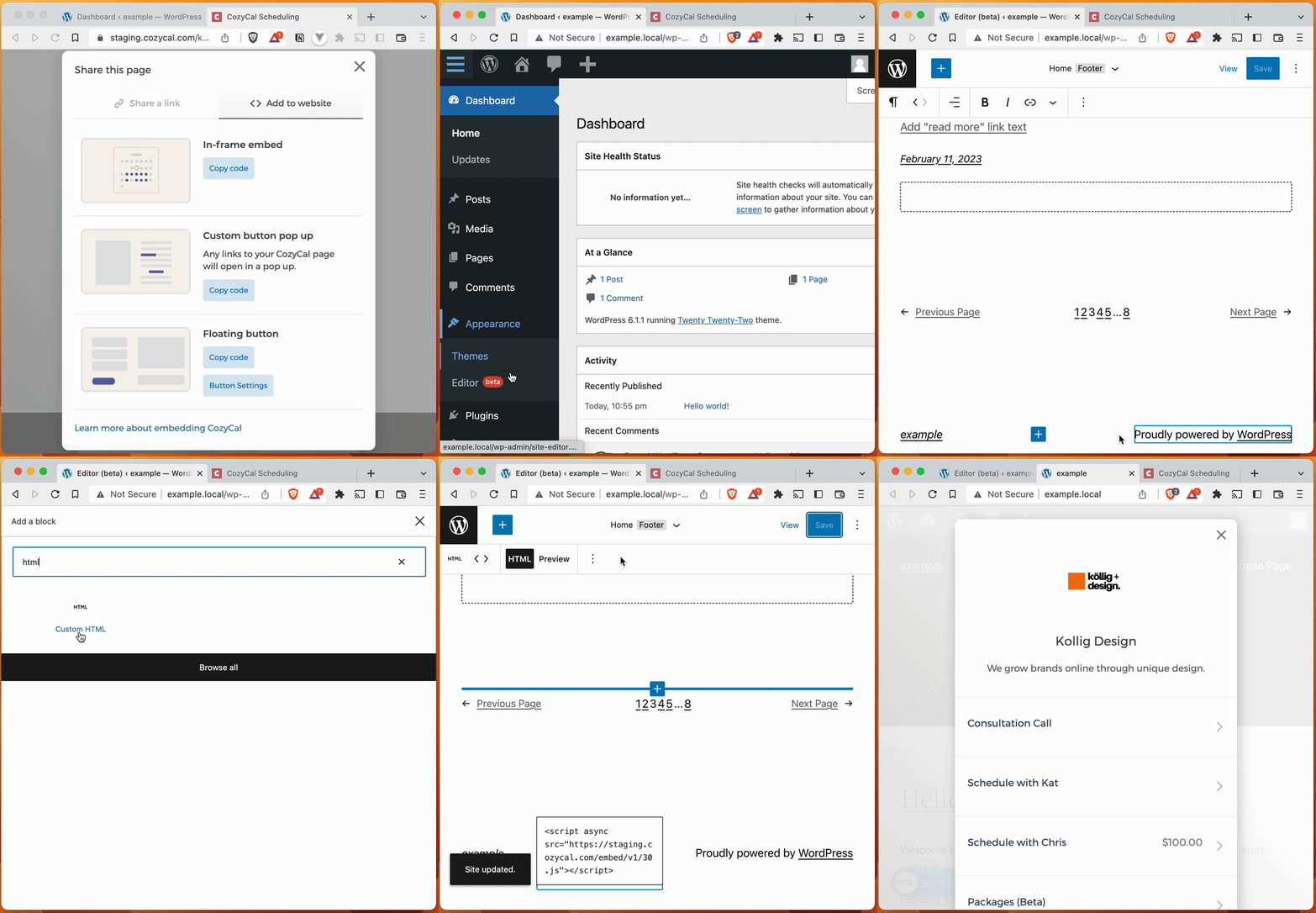
To install the floating button, we recommend copying the code into a Custom HTML block within your site's footer. We use the footer since it shows up on all the pages of our website.
Custom buttons
Custom buttons follow the same install process as the floating button (see above). Just copy the Custom button code instead of the floating button code. After installing the custom button code, any links to your CozyCal booking page will automatically open in a modal.
CozyCal is also compatible with button builders like Mango Buttons that let you create beautiful custom buttons in seconds.
In-frame embed
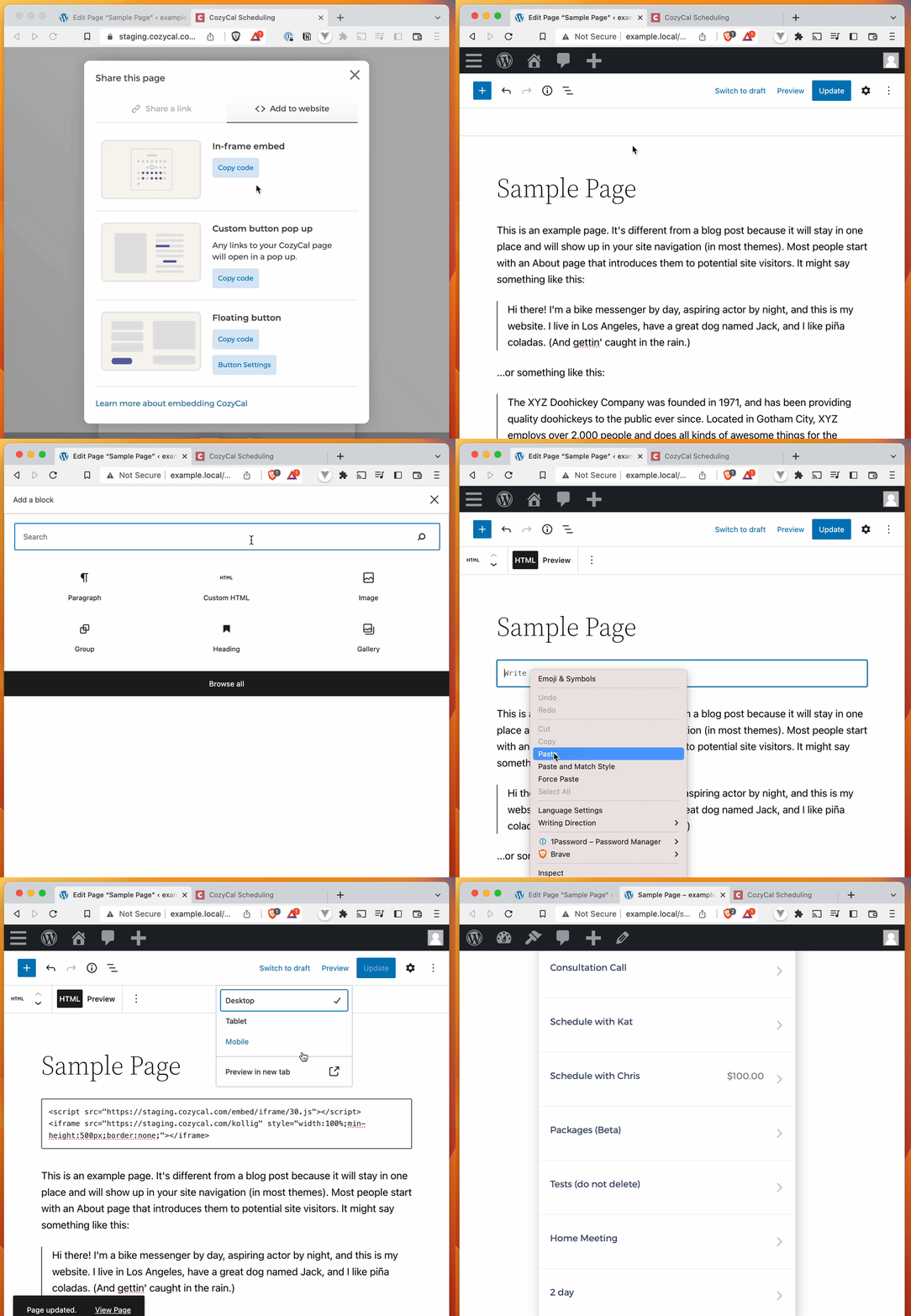
In-frame embeds are easy. Simply insert a Custom HTML block in the page where you want it to show up.