
Integrating CozyCal with your Google Calendar is easy.
- Go to your "Settings"
- Under My Account Integrations, click on "Google Calendar & Meet"
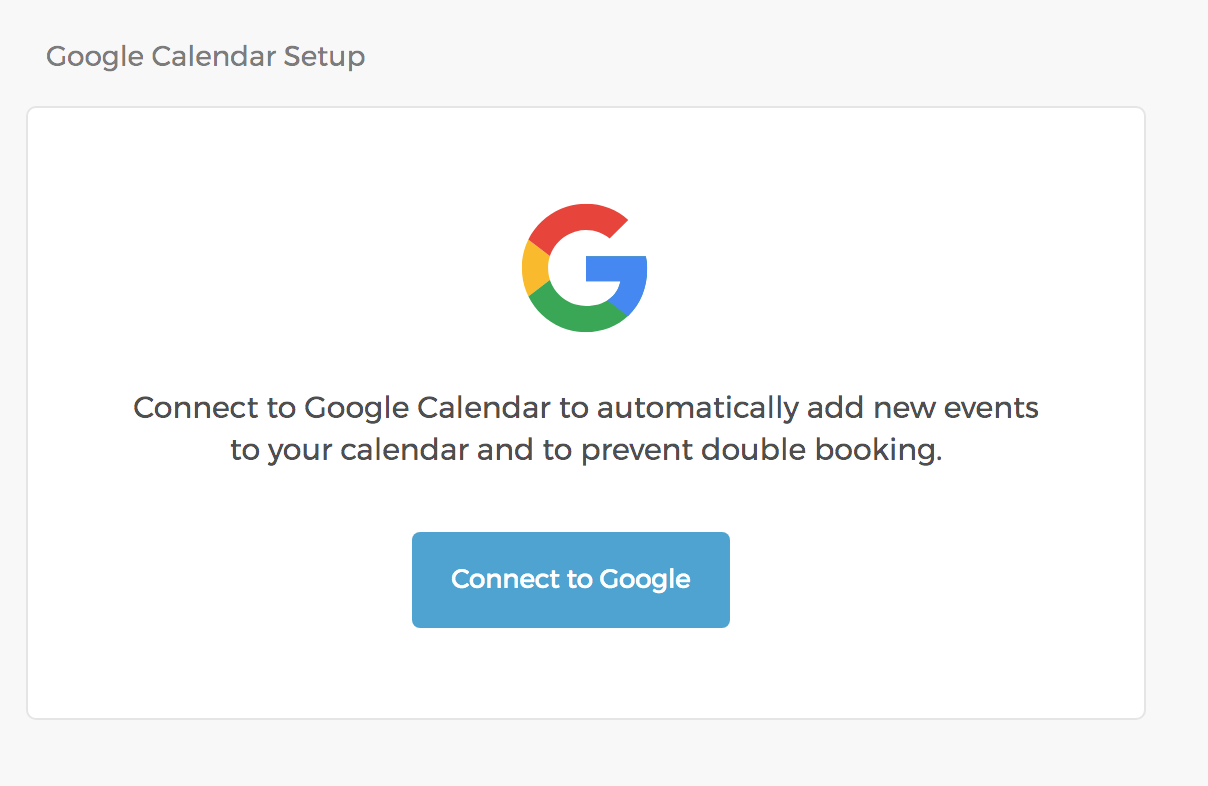
- Click on "Connect to Google" to connect with your Google calendar.
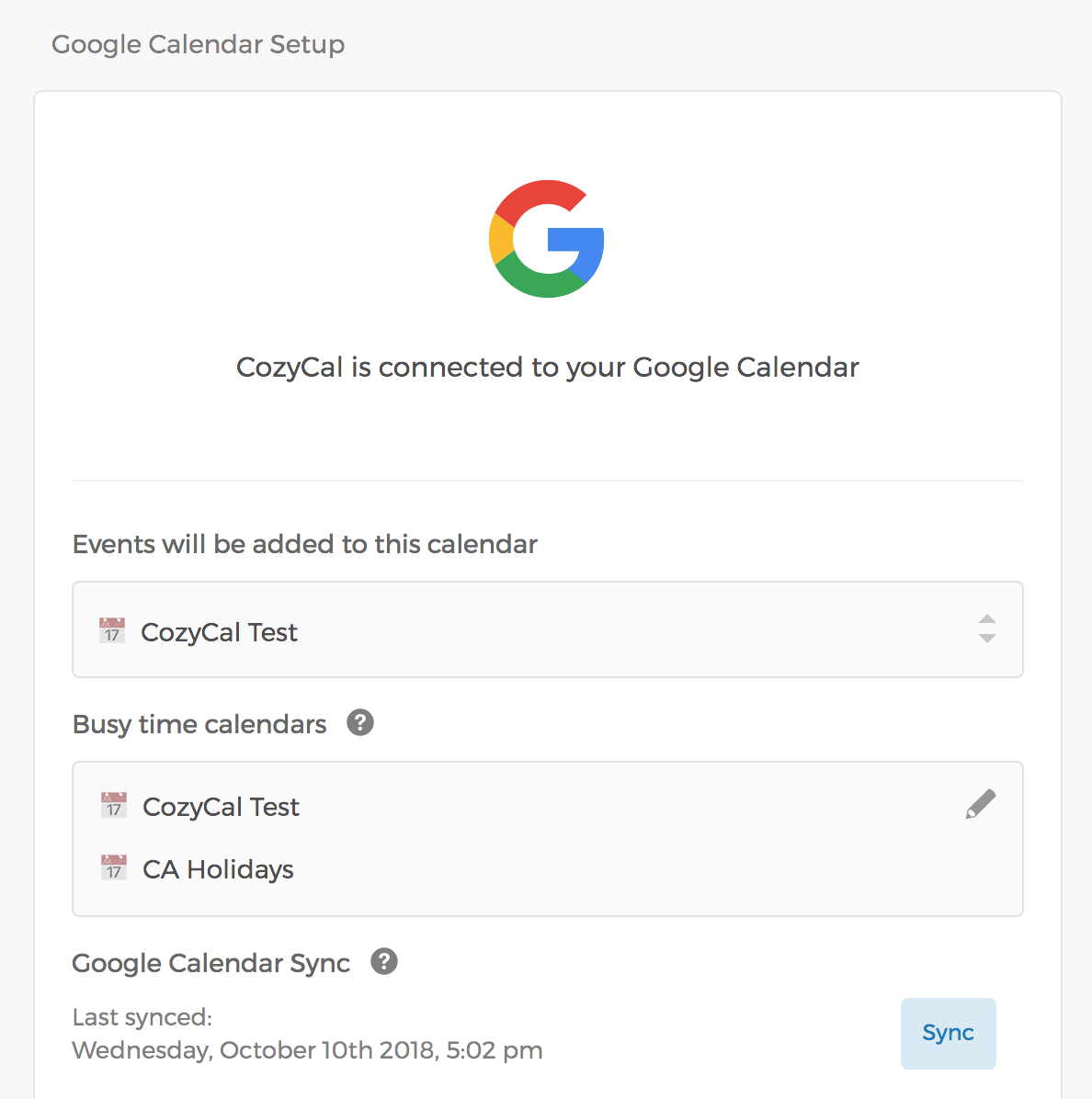
Once you've connected to Google, you'll be able to:
- Select a calendar where new events will be added.
- Select the calendars to be used to prevent double bookings.
To add Google Meet links to your bookings, see the Google Meet integration guide — Meet is enabled per event type, not on this page.